7 AI Image Editing Tricks Content Creators Use in 2026
Discover 7 AI image editing tricks content creators use in 2026. Learn how tools like Fotor, MagicHour AI, Phot.AI, and Claid.AI improve photos instantly.


Creating high-quality visuals used to require advanced design skills or hours spent inside complex software like Photoshop.
In 2026, that’s no longer necessary.
Modern AI image editors can enhance photos, remove objects, generate new outfits, and even simulate professional photoshoots in seconds. Content creators, marketers, and ecommerce brands are using these tools to dramatically improve the quality of their visuals while saving time and money.
Here are seven AI image editing tricks creators are using in 2026 to produce better content faster.
1. Instantly Replace Backgrounds
Background replacement used to be one of the most tedious editing tasks in traditional photo editing. You had to carefully trace the subject, create masks, and manually adjust lighting to make the edit look natural.
AI tools now do this automatically.
Modern editors can detect the subject in an image and separate it from the background within seconds. This allows creators to quickly place themselves in new environments like beaches, studios, offices, or cityscapes.
Tools like Fiverr and Phot.AI make background replacement extremely simple. You upload an image, choose a background, and the AI blends shadows and lighting so the image looks realistic.
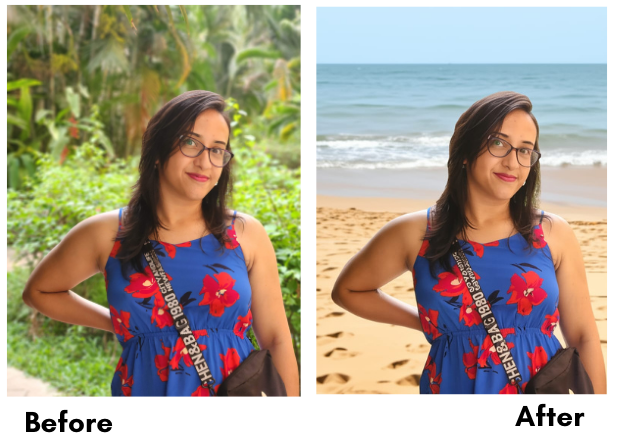
For creators producing blog images, thumbnails, or social media visuals, this trick alone can significantly improve visual quality.
2. Enhance Low-Quality Photos with AI Upscaling
Not every photo turns out perfectly.
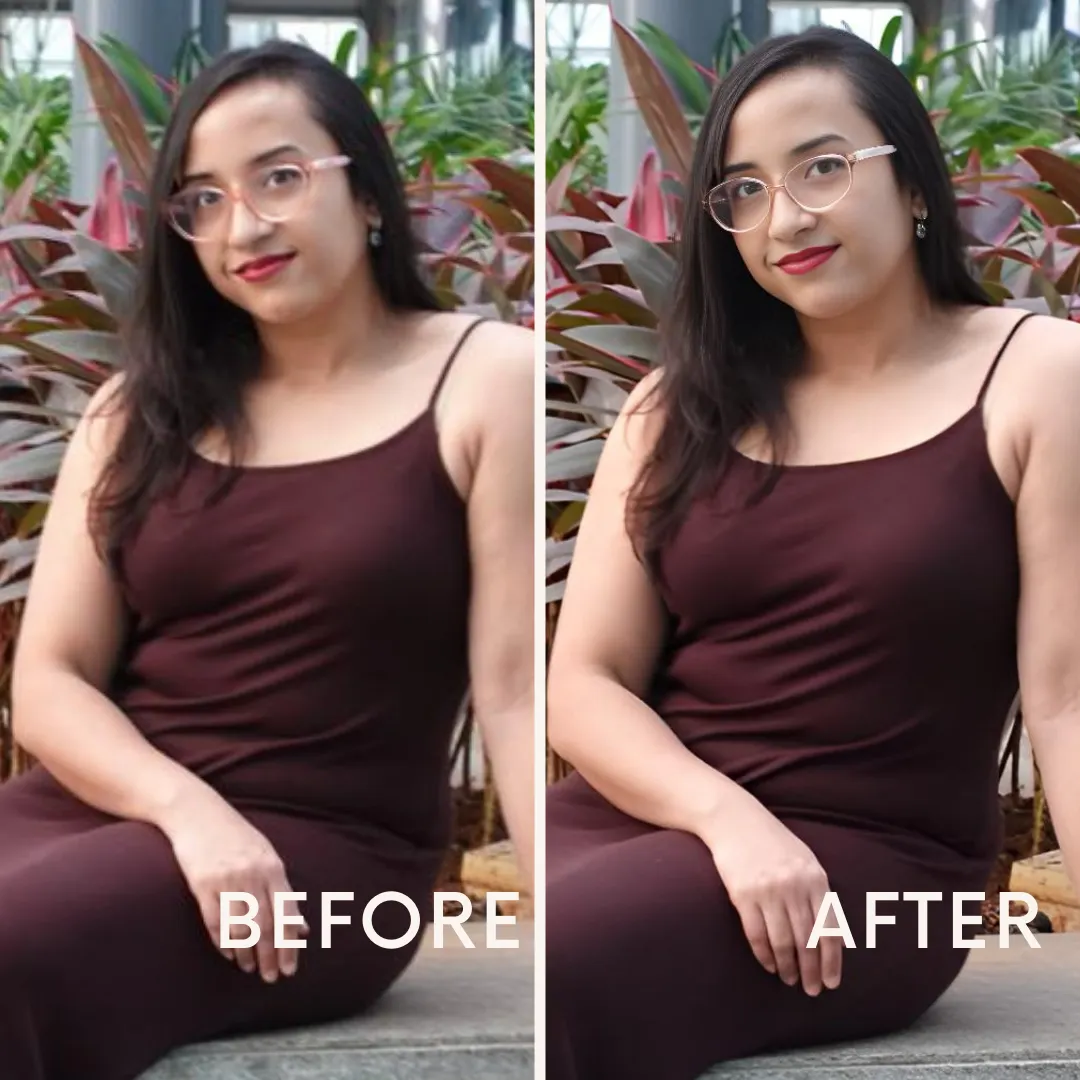
Low lighting, motion blur, or smartphone cameras can reduce image quality. AI image enhancement tools can restore detail and sharpen images automatically.
AI upscaling works by analyzing patterns in high-resolution photos and reconstructing missing detail in lower-resolution images.
Creators use this trick to:
- improve older photos
- sharpen thumbnails
- enhance images for blog posts
- restore blurry images
Tools like Fotor include built-in AI upscalers that improve clarity without making the image look artificially sharpened.
3. Turn One Selfie into Multiple Professional Photos
One of the most interesting developments in AI editing is style transformation.
Instead of reshooting photos, creators can transform a single image into multiple variations.
Tools like MagicHour AI allow creators to generate:
- different outfits
- alternate hairstyles
- new backgrounds
- stylized portraits
- professional headshots
This means a single selfie can become a complete set of branding images for websites, social media profiles, or marketing campaigns.
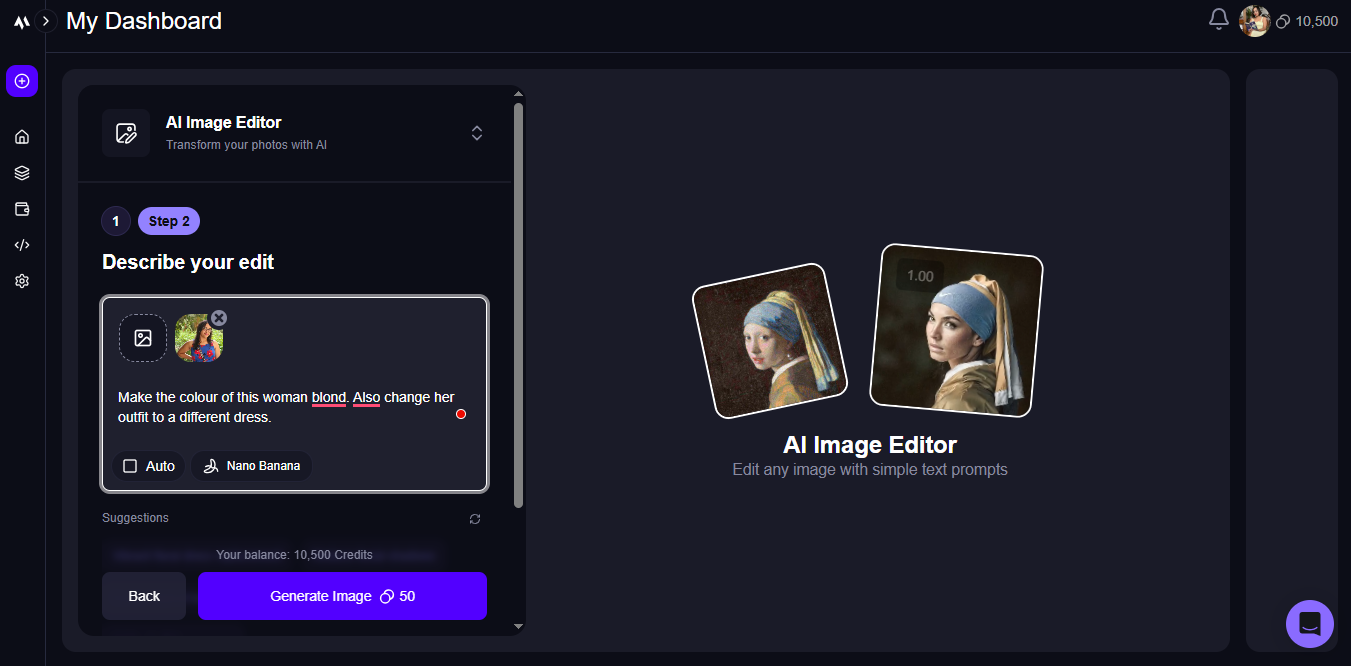
Creators often use this trick to maintain a consistent visual identity across platforms without constantly scheduling new photoshoots.
4. Remove Objects from Images Instantly
Unwanted elements often ruin otherwise great photos.
A random person in the background, distracting objects, or messy environments can make an image look unprofessional.
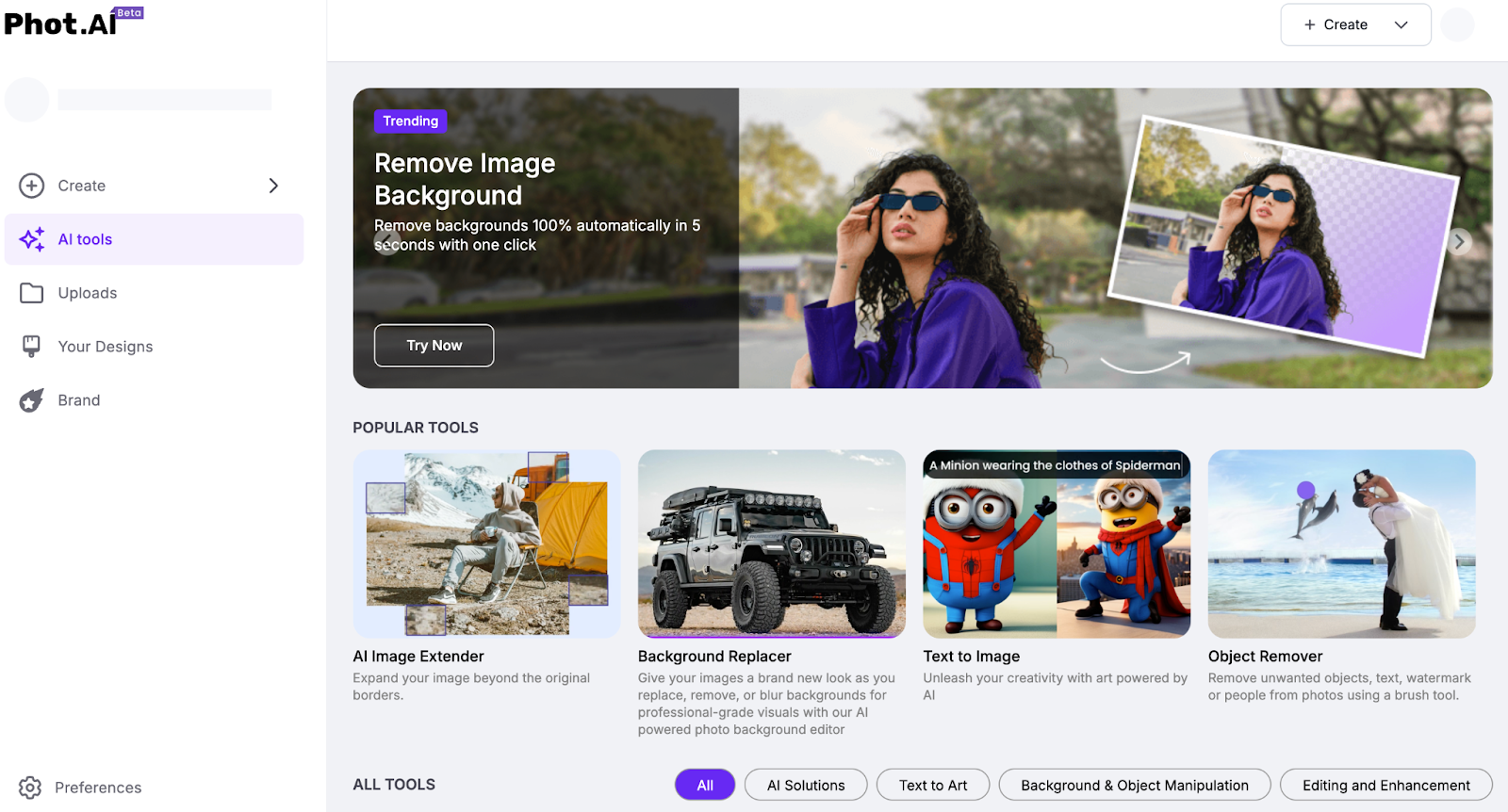
AI object removal tools can erase these distractions while reconstructing the surrounding pixels so the image still looks natural.
Tools like Phot.AI make it easy to remove:
- background clutter
- random objects
- unwanted people
- small imperfections
This trick is especially useful for creators producing visuals for blog posts, marketing content, or social media graphics.
5. Create Product Photos Without a Studio
Ecommerce sellers used to rely on expensive studio setups to photograph products.
AI image editing tools now allow creators to generate professional-looking product images without complicated equipment.
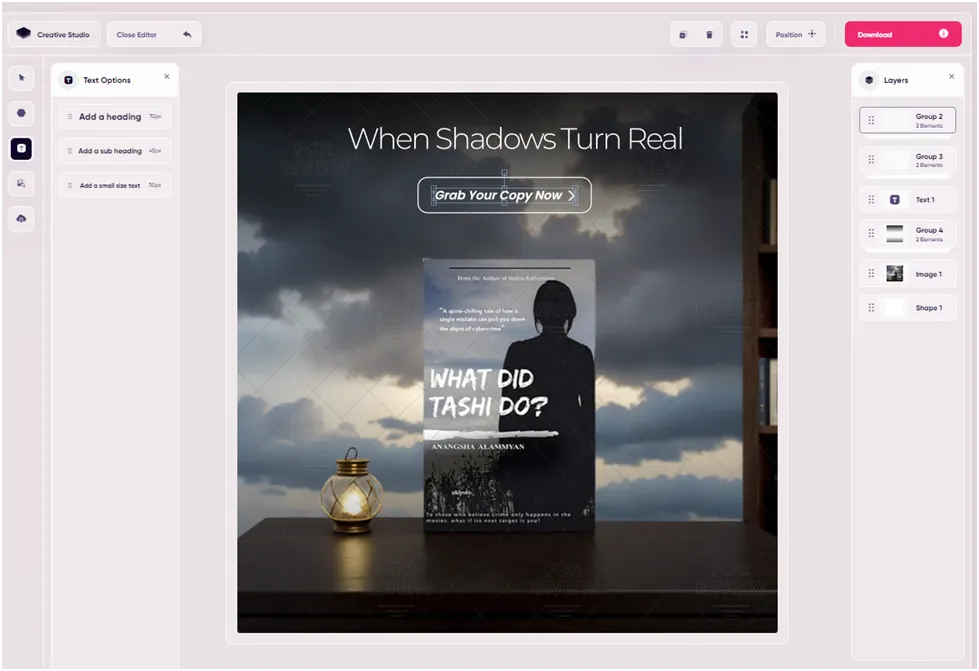
Tools like Adcreative.AI can enhance lighting, adjust shadows, and generate studio-style backgrounds for product photos.
This makes it easier for ecommerce brands to create polished visuals for product listings, advertisements, and online stores.
For small businesses and creators running online shops, this can significantly reduce production costs.
6. Fix Lighting Automatically
Lighting is one of the most important factors in photography.
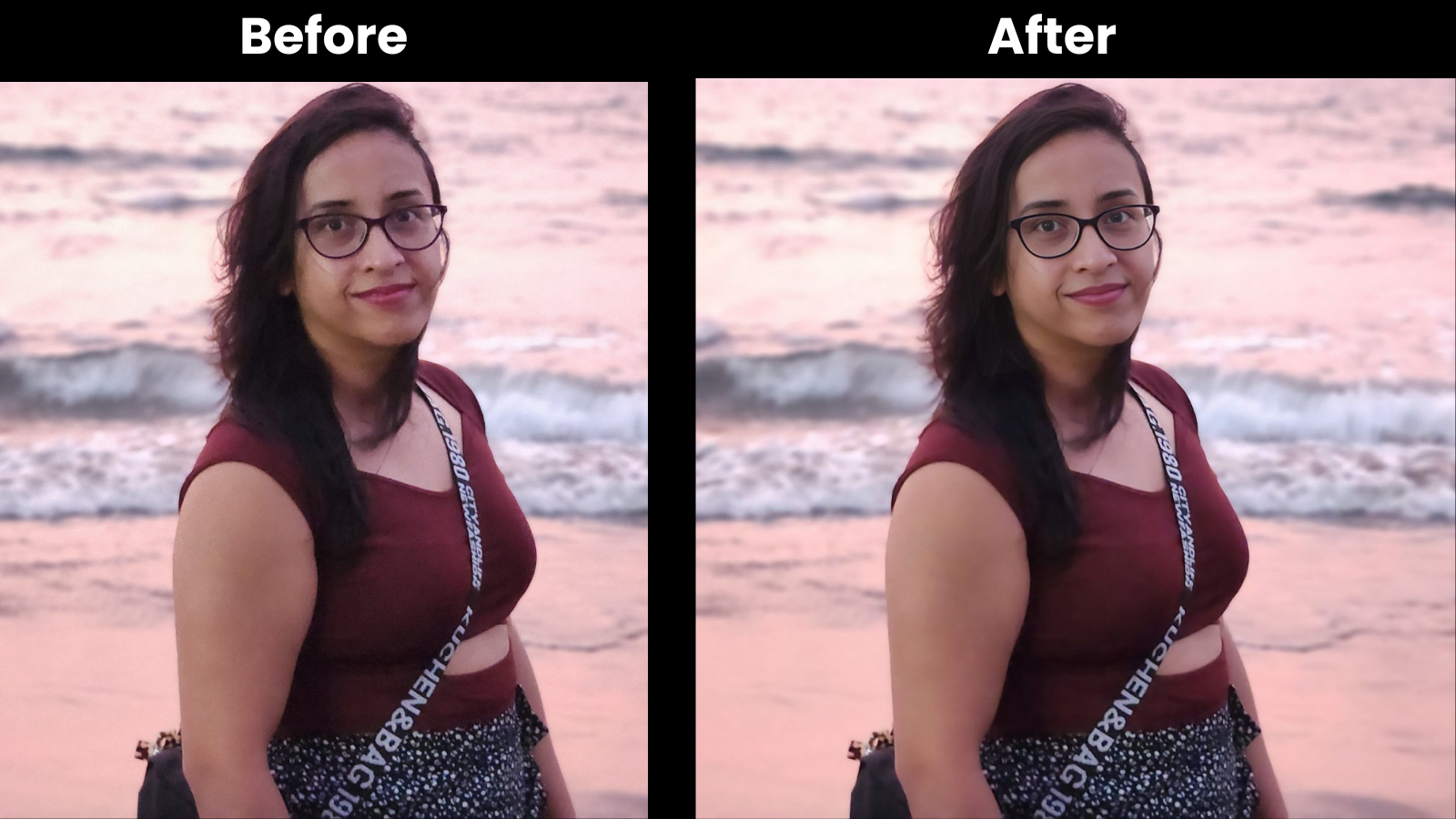
Even great photos can look dull if lighting conditions are poor. AI image editors can automatically analyze shadows, highlights, and color balance to improve lighting.
Tools like Phot.AI automatically adjust:
- brightness
- contrast
- color temperature
- shadow balance
This allows creators to turn average photos into vibrant visuals without manual adjustments.
7. Generate Multiple Visual Variations for Content
Content creators often need multiple visuals for different platforms.
A single photo may be used for blog posts, thumbnails, Instagram posts, and ads.
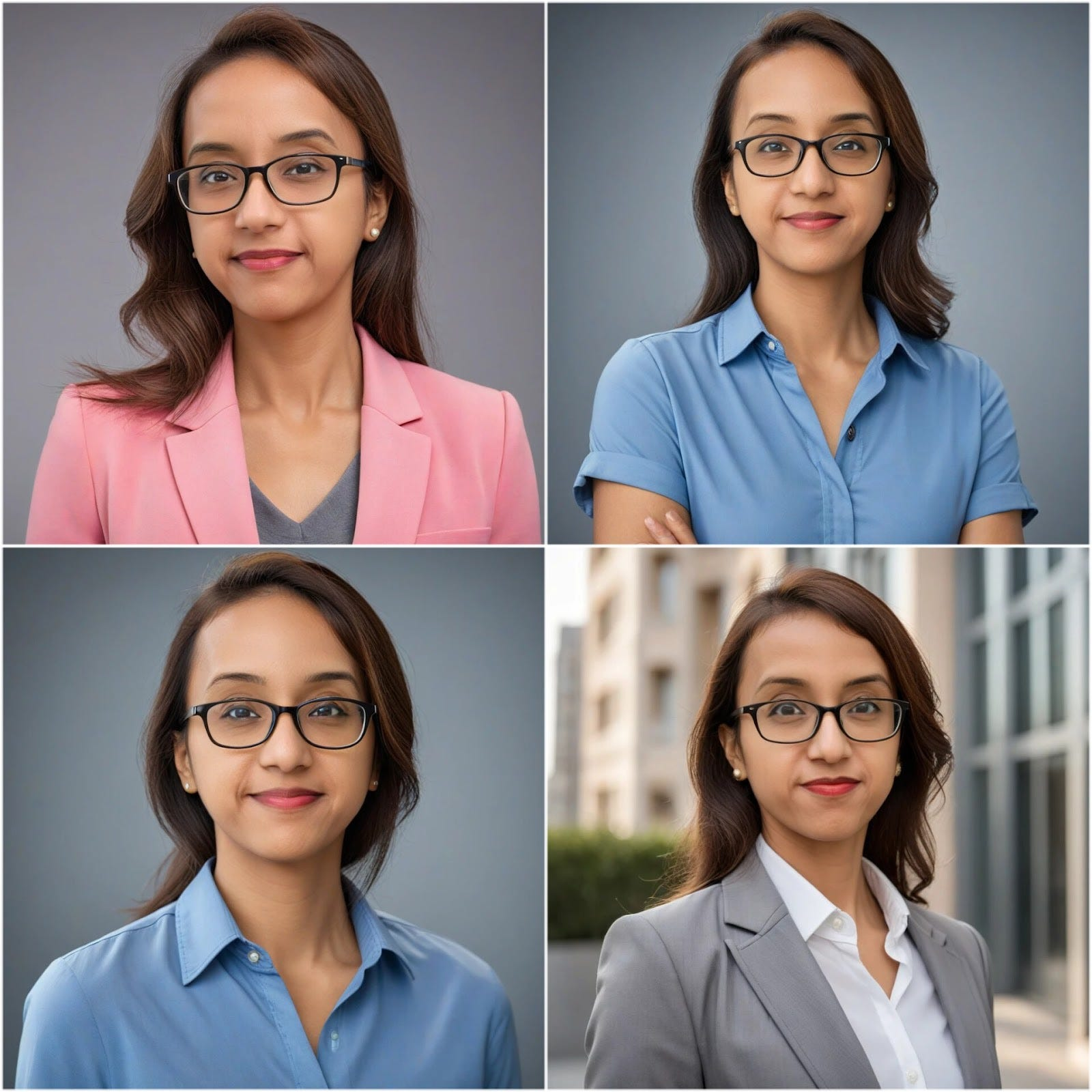
AI editing tools allow creators to generate multiple variations of the same image quickly.
Using tools like AI Ease, creators can generate different versions of a photo with changes to:
- scenery
- outfits
- lighting
- mood
Instead of taking dozens of photos, creators can now produce entire sets of visuals from a single image.
Why These AI Editing Tricks Matter
Visual quality plays a major role in online engagement.
Better visuals lead to higher click-through rates, stronger branding, and improved social media engagement.
AI image editing tools help creators produce professional visuals without expensive equipment or advanced design skills.
This makes high-quality visual content accessible to bloggers, entrepreneurs, marketers, and small businesses.
Final Thoughts
AI image editing tools are evolving incredibly quickly.
Tasks that once required professional design expertise can now be completed in seconds using AI-powered workflows.
Creators who learn how to use these tools effectively can produce higher-quality visuals, experiment with new styles, and streamline their content creation process.
If you're curious about which tools perform best in real creator workflows, I recently tested more than 20 AI image editors and ranked the ones that consistently produced the best results.
Affiliate Disclosure: This article contains affiliate links. If you purchase through them, I may earn a small commission at no extra cost to you.