AI Headshot Generators in 2026: How They Work, When to Use Them, and What Actually Matters

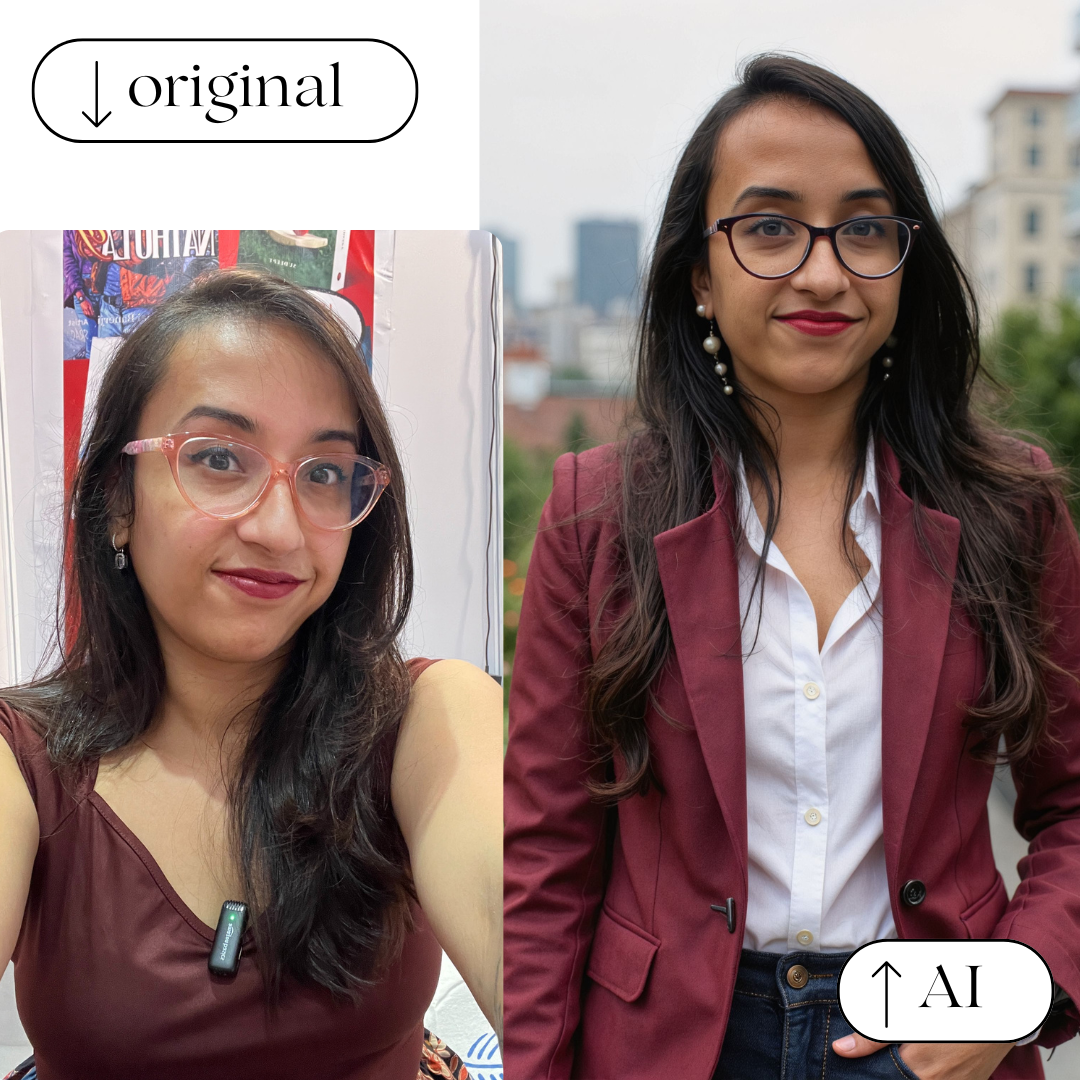
Professional headshots used to be time-taking and expensive.
You booked a photographer, wore something neutral, posed for 2-3 hours in front of the camera, and hoped at least one photo turned out usable.
In 2026, that process looks very different.
AI headshot generators have become mainstream, especially for people building careers online. Founders, freelancers, job seekers, creators, and remote teams are increasingly using AI-generated headshots for LinkedIn, resumes, company websites, and personal brands.
But AI headshot generators are a double-edged sword. They can be amazing, or completely unusable, depending on how and why you use them.
This guide breaks down:
- How AI headshot generators actually work
- When they make sense (and when they don’t)
- What separates good tools from bad ones
- And how to choose the right AI headshot without wasting money
What Is an AI Headshot Generator?
An AI headshot generator is a tool that creates professional-looking portraits using artificial intelligence.
Instead of posing in a studio, you upload a set of selfies (usually 6–12 photos). The AI learns your facial structure, skin tone, and expressions, then generates new images that look like professionally shot headshots, often in business attire, neutral backgrounds, and studio-style lighting.
Most modern tools generate:
- 20–100 headshots
- Multiple outfits and backgrounds
- Variations in lighting and pose
Some aim for realism, others lean into creative or stylized results.
Why AI Headshots Became Popular (And Stayed)
AI headshot tools exploded in popularity for a few simple reasons:
1. Cost
A professional photoshoot can easily cost $300–$800.
AI headshots typically cost $25–$40.
2. Convenience
No scheduling, travel, buying clothes, or awkward posing.
You can generate headshots in 1 hour from your couch.
3. Volume
Instead of getting 5–10 edited photos, AI tools often give you 40–100 options. Even if most are mediocre, you usually find a few that genuinely work.
4. Remote Work & Personal Branding
With LinkedIn, portfolios, newsletters, and creator platforms becoming career-critical, people want clean, consistent photos fast.
How AI Headshot Generators Actually Work (Simple Version)
Most tools follow the same process:
- You upload selfies (good lighting matters a lot)
- The AI trains a temporary model on your face (in technical terms, it's called a LoRA - Low-Rank Adaptation.
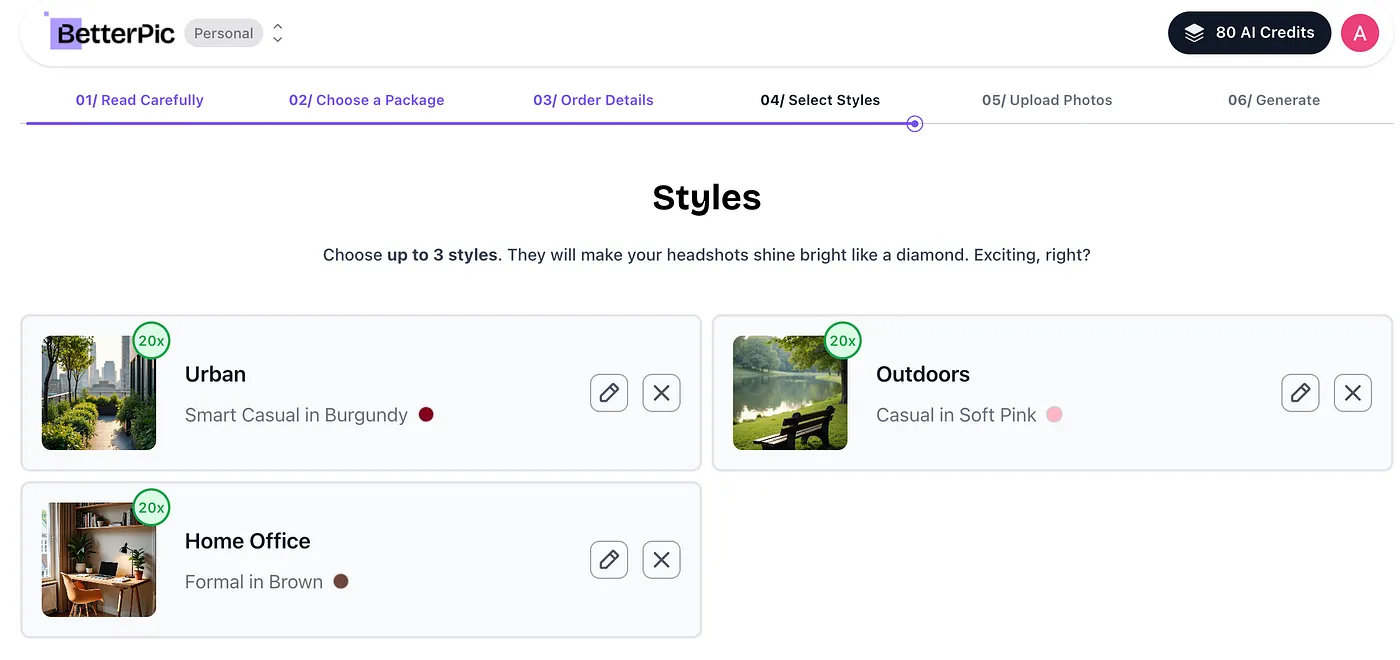
- It generates new images using preset styles and prompts
- You receive your headshots via email or dashboard
What matters isn’t the “AI magic," rather:
- Input photo quality (garbage in means garbage out, so make sure to upload high-quality images of yourself where you're the only person in frame)
- The outfit and background selection based on your needs (for example, if I'm looking for a professional photo for LinkedIn, I shouldn't choose a Christmas-themed background)
Based on your input photos and present selections, two people using the same tool can get wildly different results.
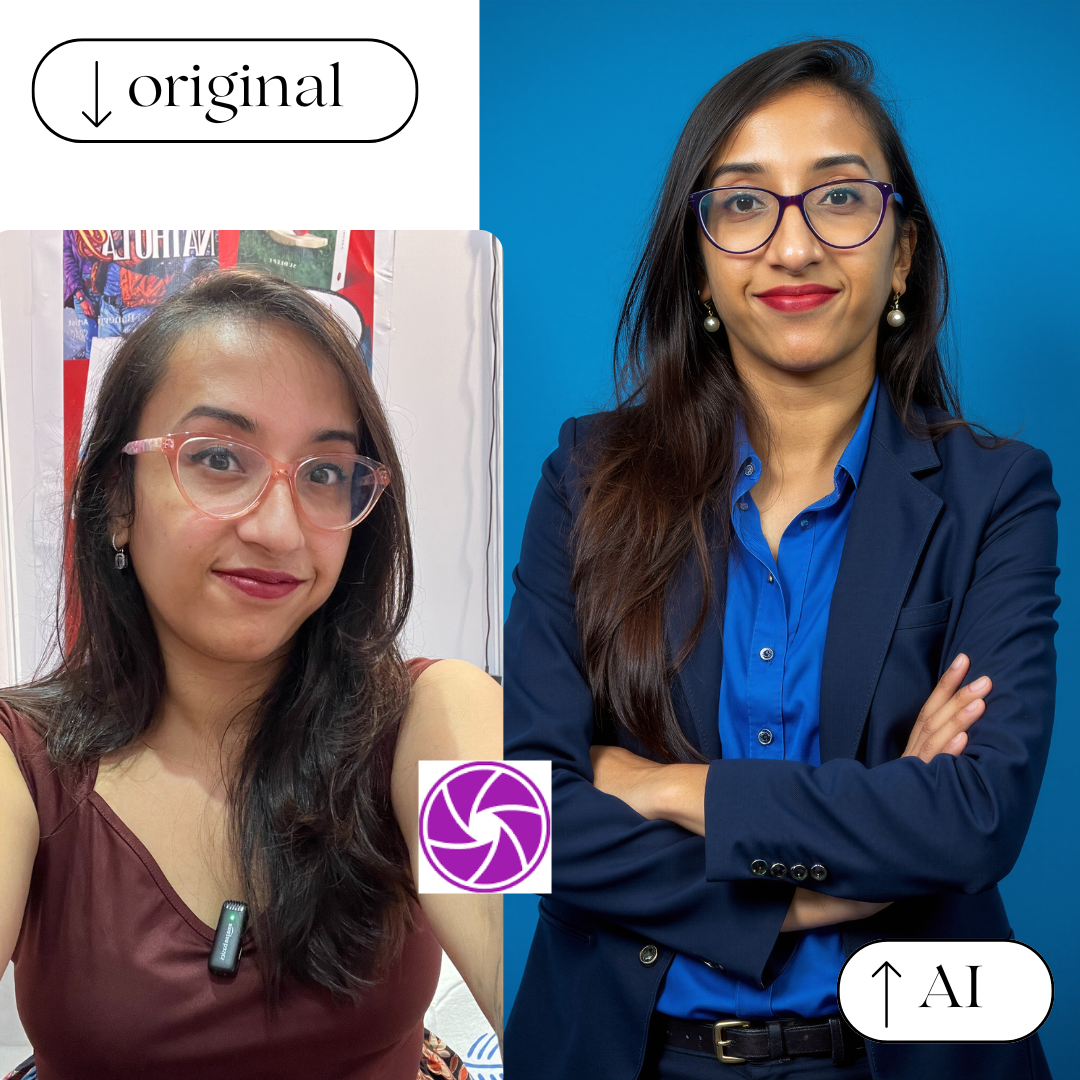
When AI Headshots Are a Great Idea
AI headshots work best for:
- LinkedIn profiles
- Freelancers on Upwork, Fiverr, Toptal
- Founders and consultants
- Remote teams (for a consistent company website and brochure)
- Personal websites and newsletters
If your goal is to look professional, credible, and polished, AI headshots are often more than good enough.
Many people (myself included) actively use AI-generated headshots across professional platforms without anyone noticing or questioning them.
When AI Headshots Are a Bad Idea
AI headshots are not ideal if:
- You need editorial or fashion-level photography
- Your brand depends on hyper-authentic, documentary-style images
- You’re applying for a passport or government ID
- You need absolute control over pose and expression
AI still struggles with:
- Nose shape and size
- Hairlines
- Teeth (especially in smiling photos)
- Hands near the face
- Subtle asymmetries
Some tools handle these better than others, but none are perfect.
What Actually Makes a Good AI Headshot Tool
After testing dozens of tools, the quality differences usually come down to five things:
1. Facial Likeness
If your friends can instantly recognize you, that’s a win.
2. Skin Texture
Over-smoothed, “plastic” skin is the #1 giveaway of bad AI headshots.
3. Lighting Realism
The best tools mimic real studio lighting instead of dramatic AI art lighting.
4. Background Control
Neutral backgrounds outperform flashy ones for professional use.
5. Privacy & Data Handling
You’re uploading your face. Always check whether the tool deletes training data after generation.
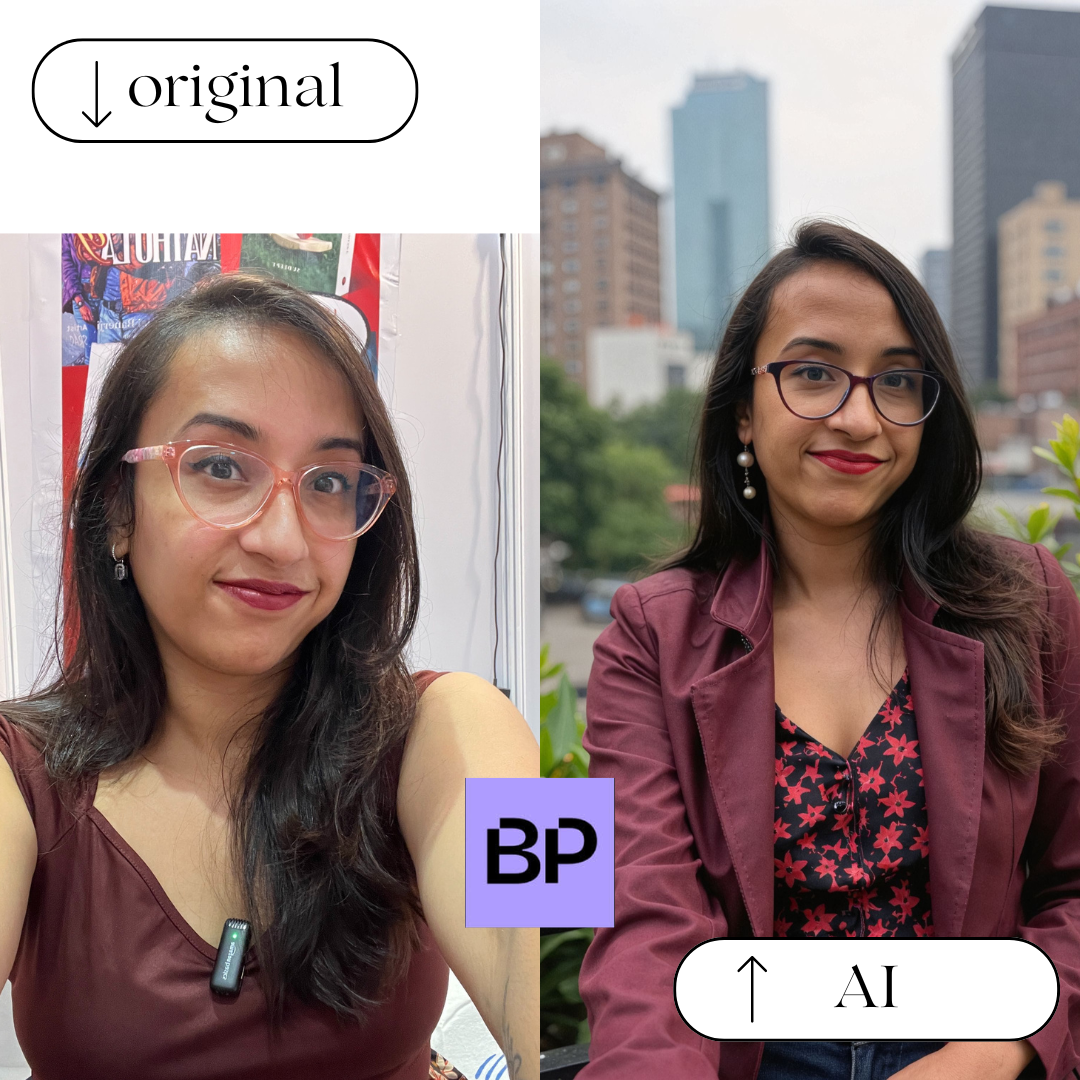
Over the past year, I’ve experimented with (and written about) dozens of AI headshot tools. While not all of them make sense for every use case, a few consistently stand out depending on what you’re looking for:
-
BetterPic — My go-to recommendation for professional use; consistently realistic results that work well for LinkedIn, resumes, and personal branding.
-
Aragon AI — Studio-style headshots with great lighting and detail, especially impressive if you upload high-quality input photos.
-
HeadshotPro — A solid choice for teams and companies that need consistent, professional headshots at scale.
-
AI SuitUp — Budget-friendly and straightforward; clean, polished results that are ideal for job seekers and freelancers.
-
Proshoot.co — Excellent if facial likeness is your top priority; produces some of the most natural-looking skin and expressions I’ve seen.
-
InstaHeadshots — Simple and beginner-friendly, with a fast workflow for anyone who wants usable headshots without overthinking the process.
Free vs Paid AI Headshot Generators
Free AI headshot generators can be fun to experiment with, but in most cases:
- Results are lower resolution
- Facial features are distorted
- Outputs aren’t usable for professional platforms
If you need a headshot you’ll actually publish, paid tools are almost always worth it.
The difference between “playground AI” and “production-quality AI” is very noticeable here.
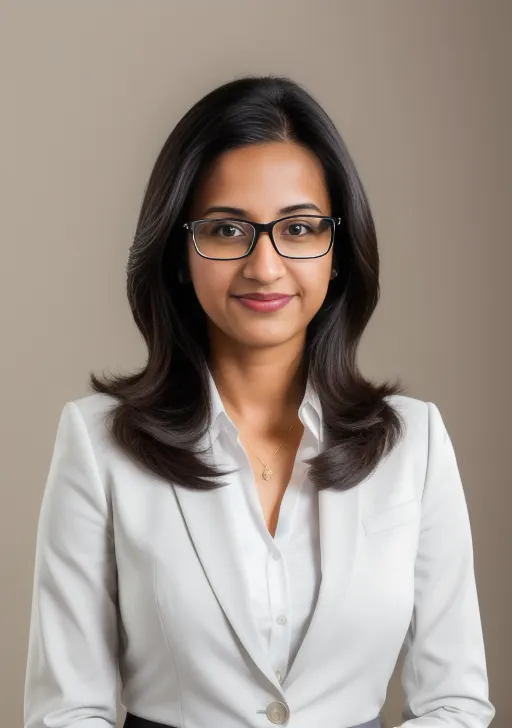
How to Get Better Results From Any AI Headshot Generator
No matter which tool you use, this helps:
- Upload clear, well-lit selfies
- Avoid filters and heavy makeup
- Use multiple angles (front, slight left/right)
- Avoid sunglasses, hats, and group photos
- Neutral expressions work best
Good input photos matter more than the tool itself.
Choosing the Best AI Headshot Generator
Not all tools are built for the same purpose.
Some are optimized for:
- LinkedIn and resumes
- Teams and employee headshots
- Budget users
- Hyper-realistic facial detail
If you’re looking for a detailed comparison of the best AI headshot generators in 2026, including real tests, pricing, and use-case breakdowns, you can find that here:
👉 Best AI Headshot Generator (2026): Real Tests & Results
That guide breaks down which tools actually worked — and which ones weren’t worth the time or money.
Final Thoughts
AI headshot generators aren’t replacing photographers.
But they are replacing bad selfies, outdated profile photos, and expensive last-minute photoshoots.
Used correctly, they’re one of the most practical AI tools available today, especially for people building careers online.
The key isn’t finding “the best AI tool.” It’s finding the right tool for your use case.
And once you do, the results can be surprisingly good.