AI Text-to-Video vs Image-to-Video: What to Use in 2026
The strongest creators combine the best aspects of multiple tools.

This Is the Wrong Question Most People Ask
Most creators ask: “Which is better—text-to-video or image-to-video?”
That question sounds logical, but it's incomplete.
After testing more than 20 AI video tools across real projects: YouTube videos, Instagram reels, ads, explainers, and course content, I realized something:
👉 The real question is not which format is better.
👉 The real question is: what are you starting with?
Because your starting point determines everything: speed, cost, quality, and frustration.
When Text-to-Video Makes Sense
Text-to-video works best when your ideas already exist as words.
Use text-to-video if:
- You start from scripts, blog posts, or outlines
- You need clear structure (intro → body → CTA)
- You want voiceovers, captions, and narration
- You’re building repeatable content at scale
Real examples from my testing:
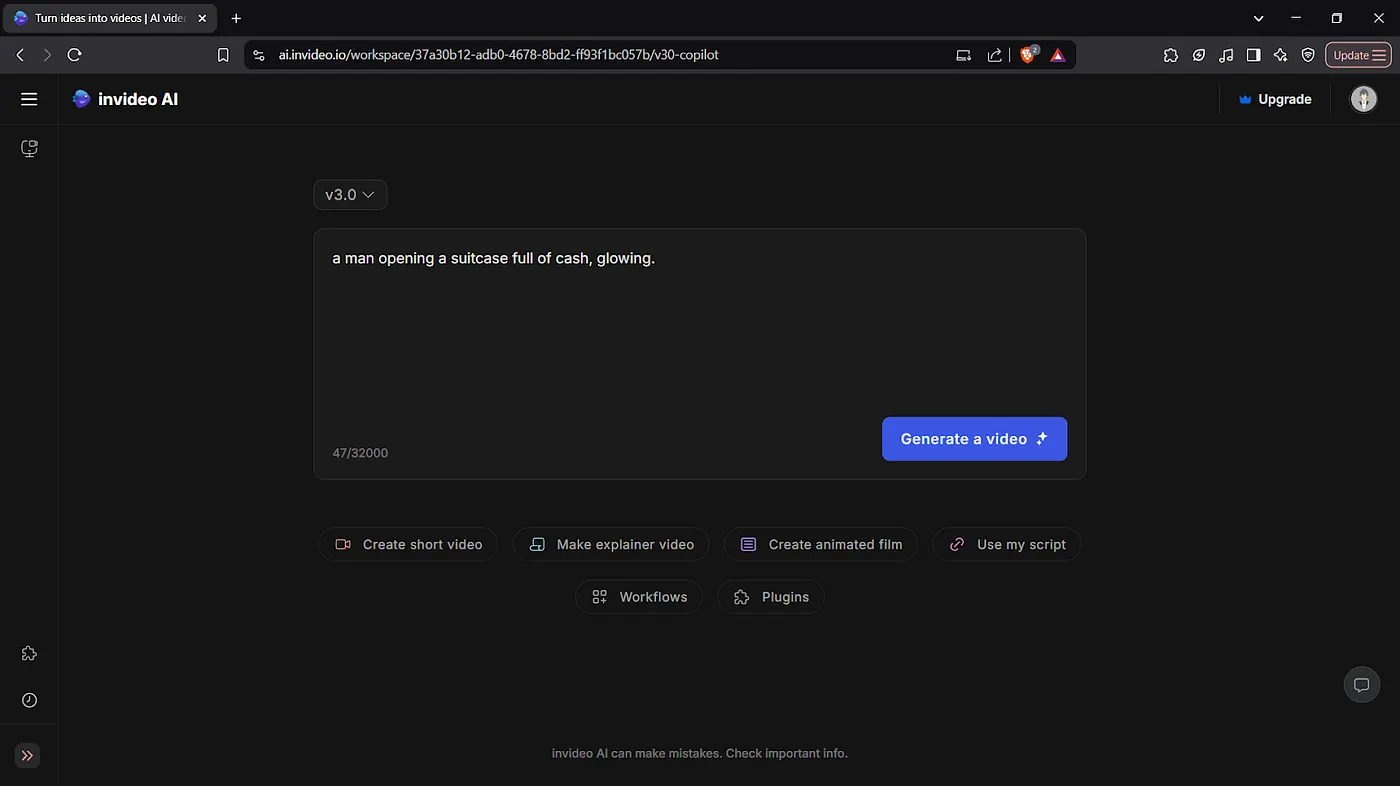
- InVideo shines here if you want to turn articles or scripts into polished YouTube or marketing videos. Its templates + stock footage reduce decision fatigue.
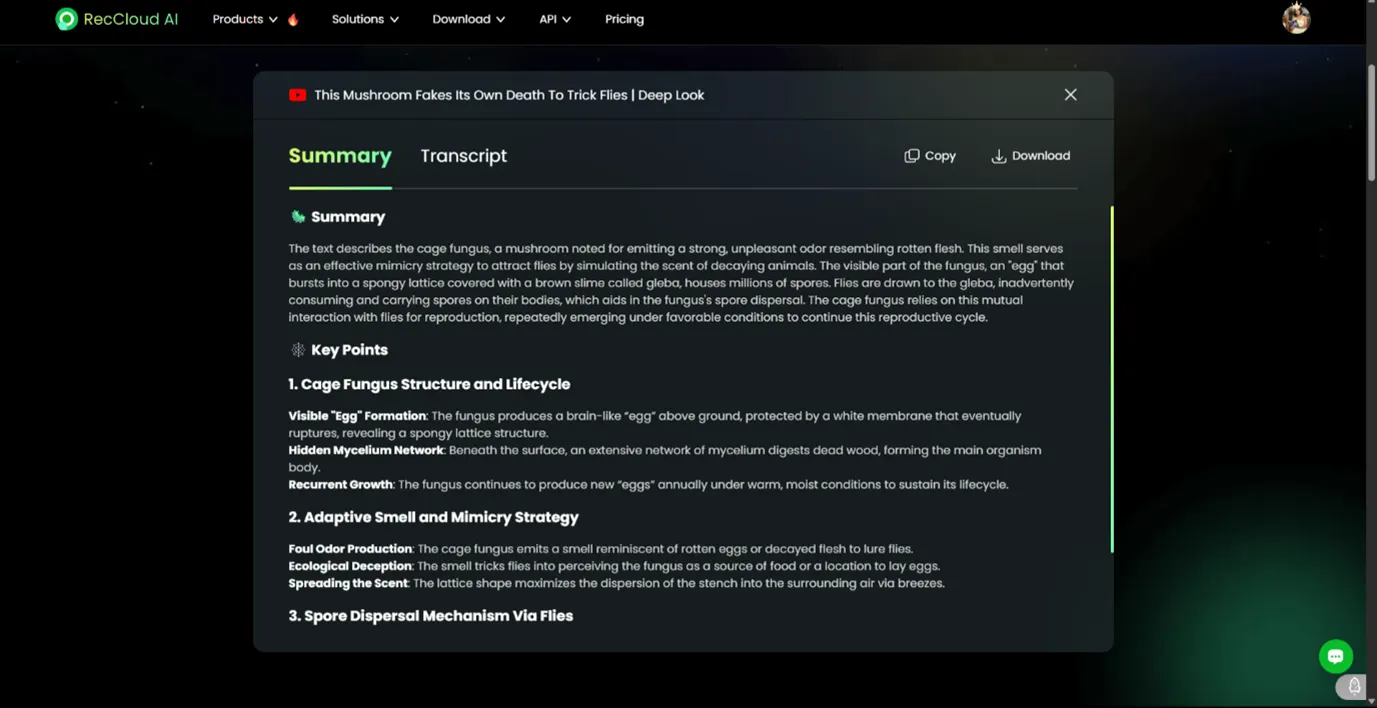
- RecCloud works well when text-to-video is part of a bigger workflow: transcribing a lecture, summarizing it, then turning that summary into a short explainer.
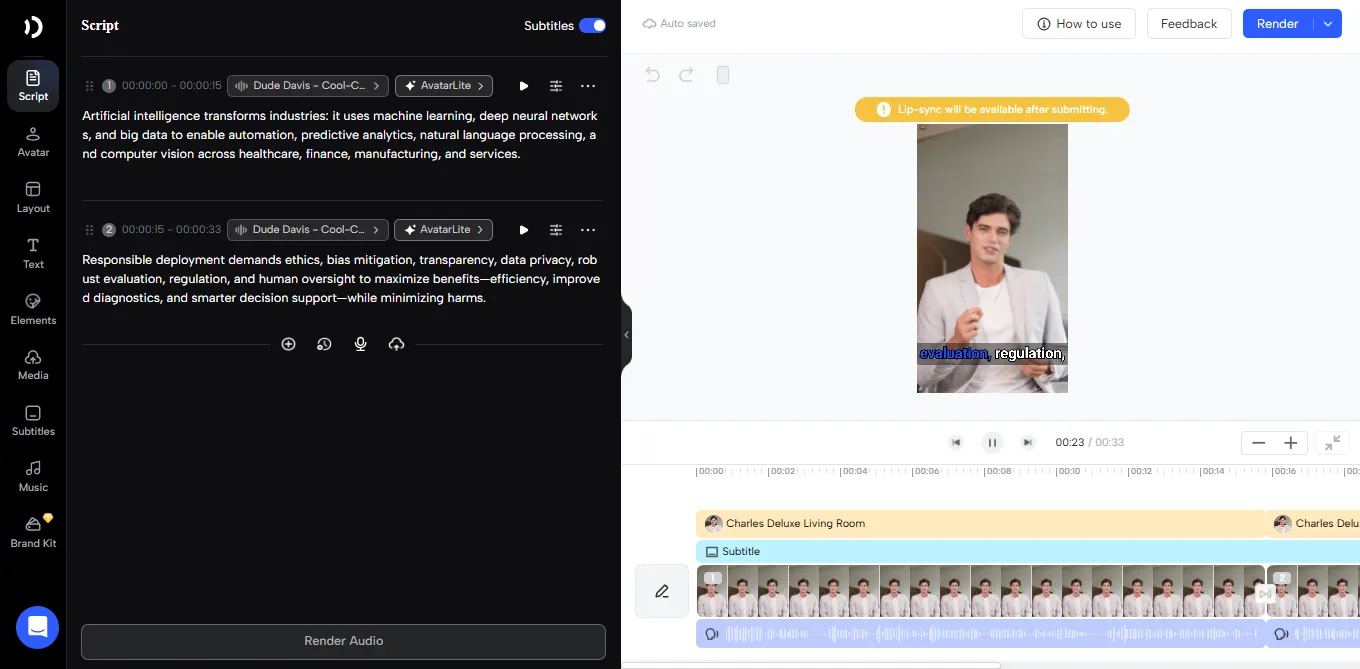
- Jogg AI goes a step further by generating a script and delivering it through an AI avatar: great when you want fast explainer videos without recording yourself.
Best use cases:
- Courses and educational content
- Business explainers and onboarding videos
- YouTube videos where structure matters
- Multilingual or narrated content
Text-to-video isn’t about visuals first; it’s about clarity first.
When Image-to-Video Is the Better Choice
Image-to-video is about motion, not explanation.
Use image-to-video if:
- You already have photos, designs, or frames
- You want short, scroll-stopping content
- You care more about visual energy than narration
- Your output is 5–10 seconds, not 5 minutes
Real examples from my testing:
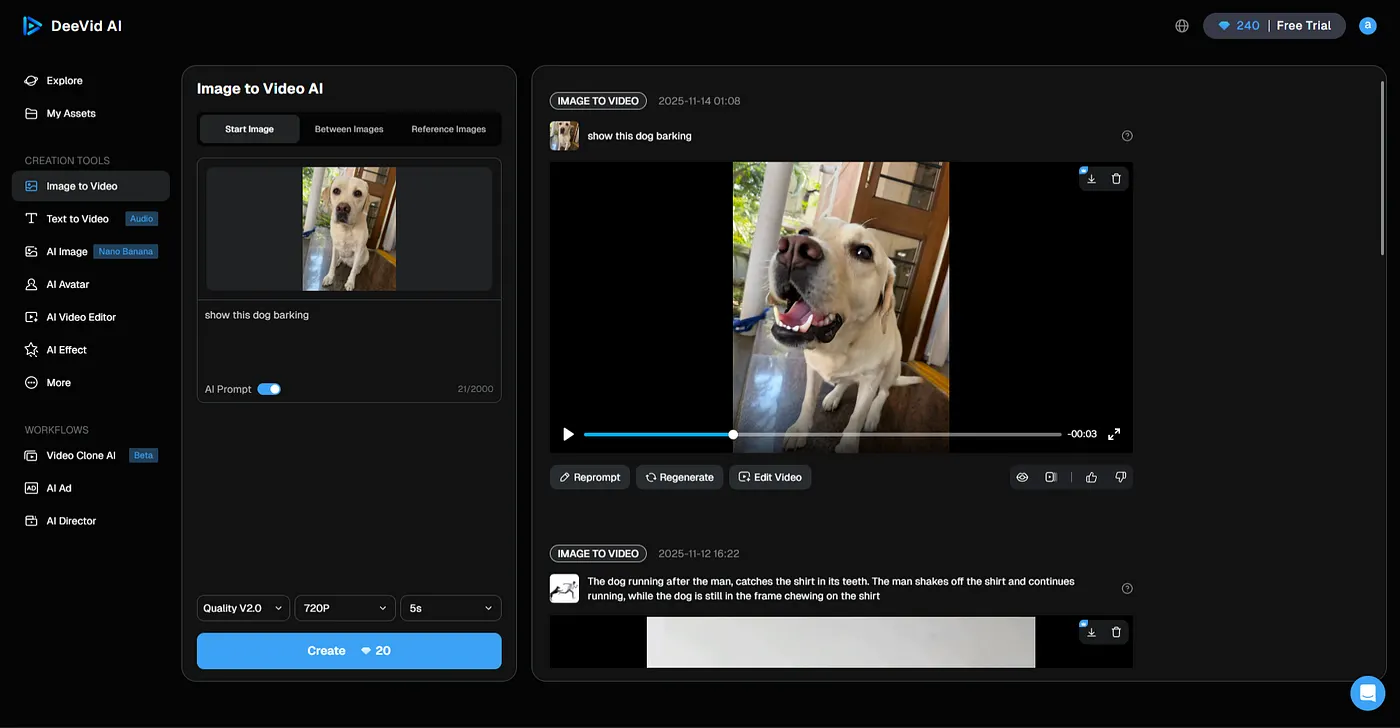
- DeeVid AI is excellent when you want to animate a single image or transition between two visuals: perfect for ads, reels, or mood shots.
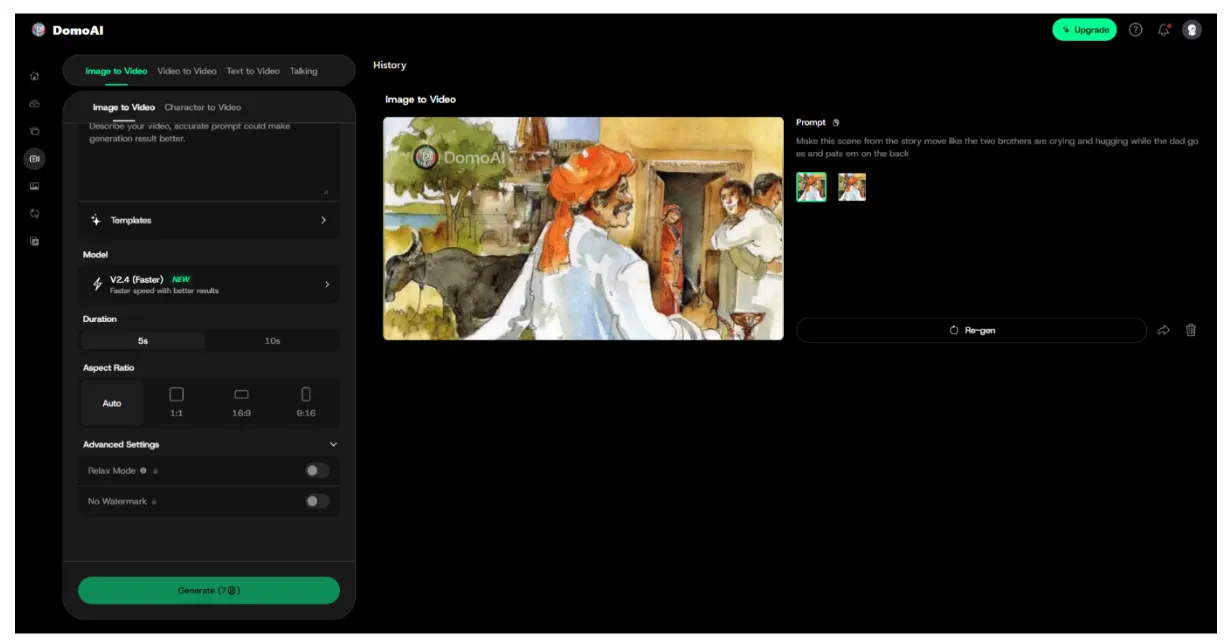
- DomoAI excels when style matters: anime, cinematic, watercolor, surreal. It preserves motion and structure while transforming visuals.
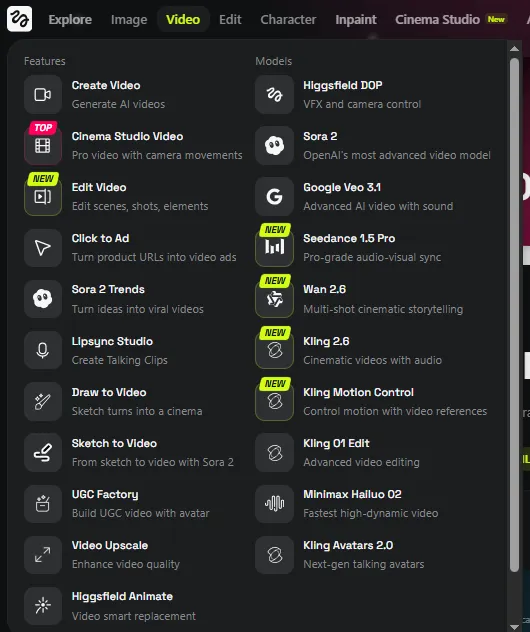
- Higgsfield takes this further by letting you choose which AI model interprets your image—Kling, Sora 2, Veo—making it ideal for experimentation and UGC-style content.
Best use cases:
- Social media reels & Shorts
- Visual ads and promos
- Artistic storytelling
- Fast experimentation and trends
Image-to-video isn’t about storytelling depth, but about impact per second.
The 2026 Reality: Most Creators Use Both
After all the testing, here’s the honest truth: The strongest creators combine the best aspects of multiple tools.
A typical high-performing workflow in 2026 looks like this:
- Text-to-video for:
- Core YouTube content
- Courses and explainers
- Business and training videos
- Image-to-video for:
- Reels, Shorts, and ads
- Promotions and teasers
- Repurposing long content into visuals
For example:
- Write one script → generate a long explainer
- Pull 3–4 key moments → animate them using image-to-video
- Publish everywhere without re-editing from scratch
That’s how creators scale without burning out.
👉 I tested both approaches across DomoAI, RecCloud, DeeVid AI, Higgsfield, InVideo, Jogg AI, and more: tracking pricing, quality, speed, and real output.
Full comparisons, rankings, and tool-by-tool breakdowns here → Best AI Headshot Generators 2026.
🙌 Affiliate Disclosure
This post contains affiliate links. If you purchase through them, I may earn a small commission at no extra cost to you. I only recommend products I trust or use myself. Your support keeps my content journey going — thank you!