How I Test AI Voice Generators for Creators (My 2026 Framework)
Curious how AI voice generators are tested? Here’s my 2026 framework for evaluating tools like ElevenLabs, RecCloud, and Murf.ai for creators.


AI voice generators are everywhere in 2026.
From YouTube narration and podcast voiceovers to audiobooks and online courses, creators are increasingly relying on AI tools to produce audio content faster.
But the problem is many AI voice generators still sound robotic.
Some struggle with pauses, others mispronounce words, and some sound great in demos but fall apart when you feed them a real script.
That’s why I don’t rely on marketing claims when reviewing AI tools. I test them using real creator workflows.
After testing more than 25 AI voice generator tools, I developed a simple framework to evaluate AI voice generators based on the things that actually matter to creators.
Here’s exactly how I test them.
Step 1: Testing Voice Realism
The first and most important factor is realism.
A good AI voice generator should sound natural enough that a listener doesn’t immediately recognize it as AI.
To evaluate this, I run a simple test: I paste a 90–150 word script that would normally be used in a YouTube video or tutorial. Then I listen for:
- Natural pacing
- Sentence pauses
- Tone variation
- Pronunciation accuracy
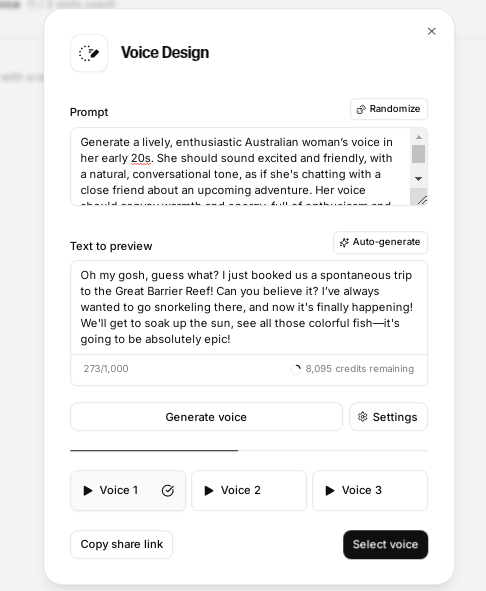
Tools like ElevenLabs consistently perform well in this category. Its voices have subtle pauses and tonal variation that make narration sound far more human than most text-to-speech tools.
RecCloud also surprised me during testing. The voices are clean and clear, and the pacing works well for instructional content and tutorials.
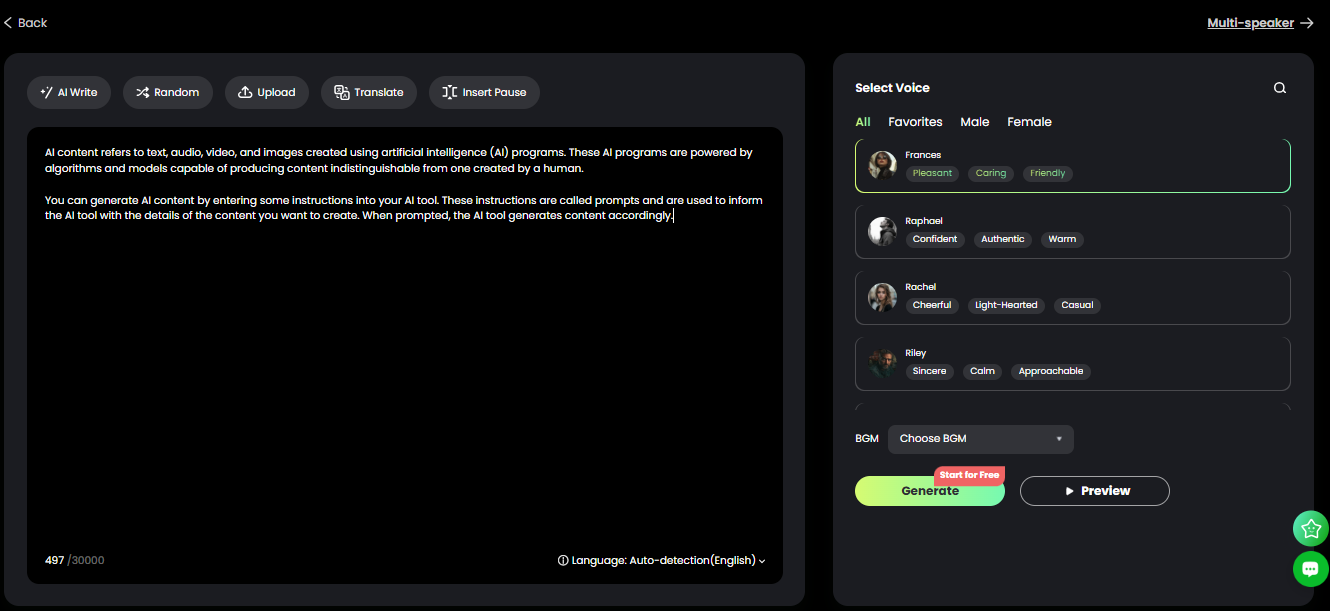
When a voice generator can deliver a script without sounding robotic, it passes the first test.
Step 2: Long Script Stress Test
Many AI voice generators sound decent on short text, but problems appear when you generate longer scripts.
So the next step in my framework is what I call the long script stress test.
I generate a voiceover using a script between 400 and 800 words, roughly the length of a typical YouTube narration or podcast segment.
Here I look for:
- Consistency in tone
- Pronunciation errors
- Awkward pauses
- Audio glitches
Some tools struggle with longer scripts and start sounding repetitive or mechanical.
Others handle it extremely well. RecCloud, for example, supports very long scripts and generates them quickly without breaking pacing. This makes it useful for course modules, audiobooks, or long-form narration.
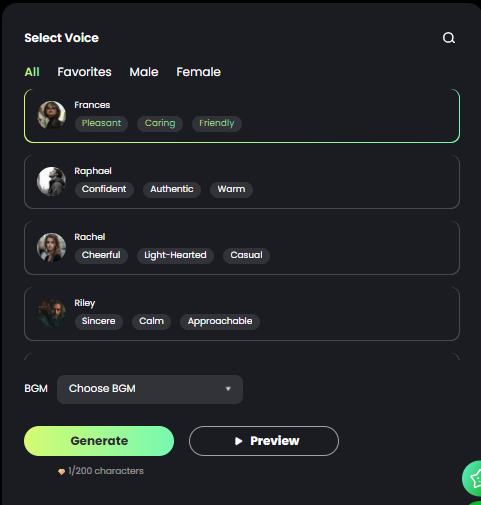
If a tool fails the long-script test, it doesn’t make my recommendation list.
Step 3: Creator Workflow Test
An AI voice generator needs to fit into a real creator workflow.
That means the tool should make it easy to generate, edit, and export audio.
When testing AI voice generators, I look for features like:
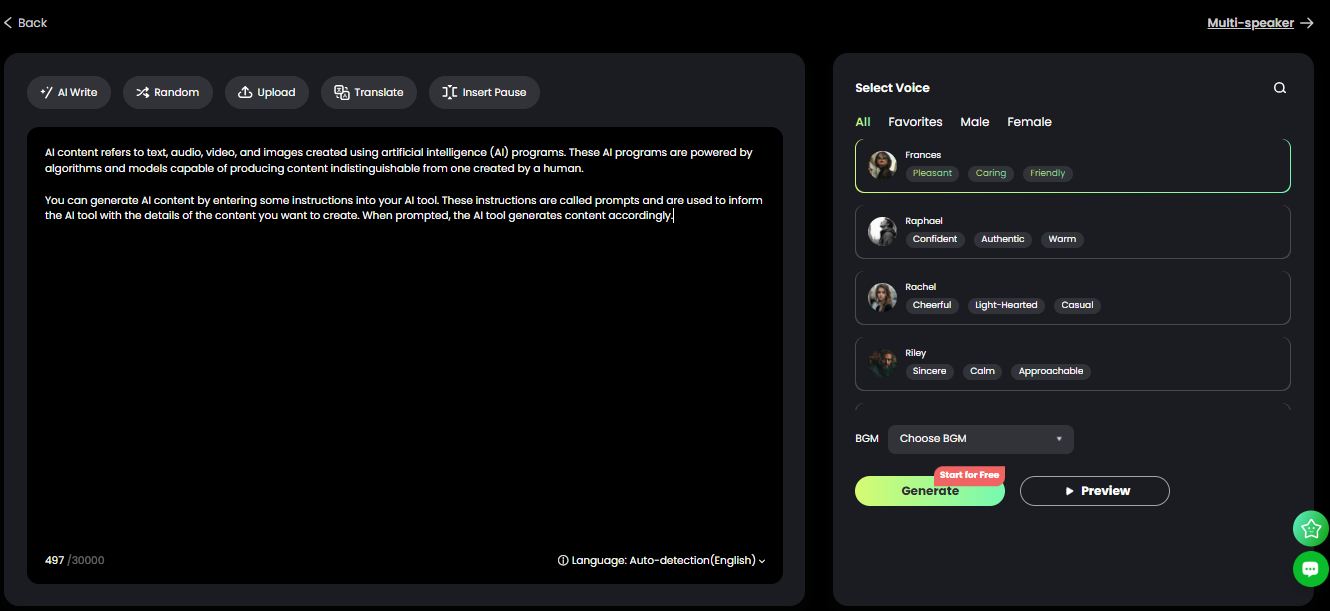
- Voice selection and customization
- Background music integration
- Multi-speaker narration
- Easy export formats (MP3 or WAV)
Tools like Murf.ai perform particularly well here. It gives you detailed controls over pitch, speed, pauses, and word emphasis, which makes it easier to refine the final voiceover.
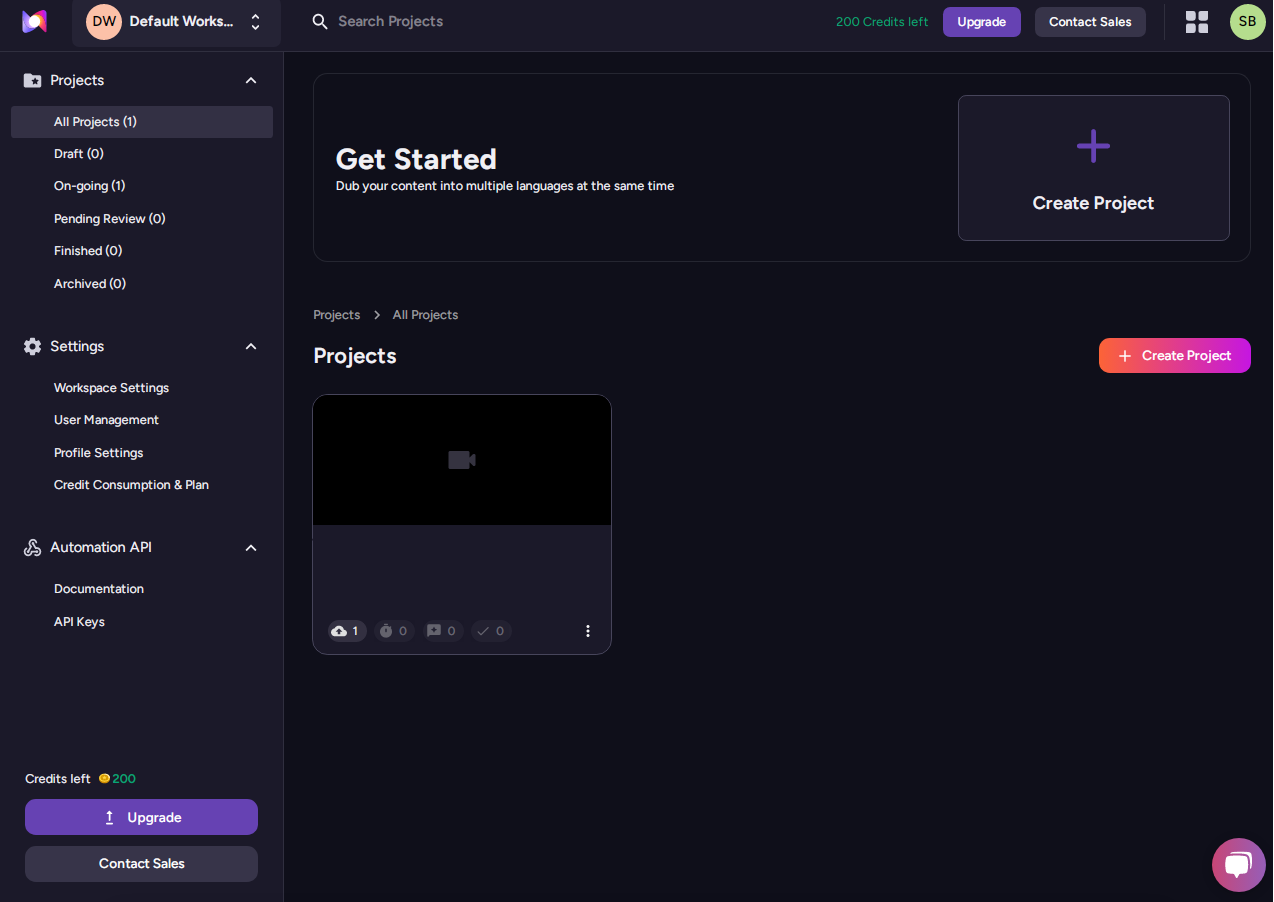
Some tools even go further.
For example, RecCloud includes additional creator features like subtitle generation and AI video tools, which makes it useful for creators producing YouTube videos or online courses.
The smoother the workflow, the more likely creators are to actually use the tool.
Step 4: Voice Cloning and Customization
Voice cloning is one of the most exciting developments in AI voice technology.
Some platforms allow you to upload a short audio sample and generate a synthetic version of your voice.
When testing this feature, I evaluate:
- How closely the cloned voice matches the original
- How much training audio is required
- Whether the result sounds natural
ElevenLabs is one of the strongest tools in this category. Its voice cloning technology can produce surprisingly accurate results with relatively short audio samples.
This is especially useful for creators who want consistent narration across videos, podcasts, or audiobooks.
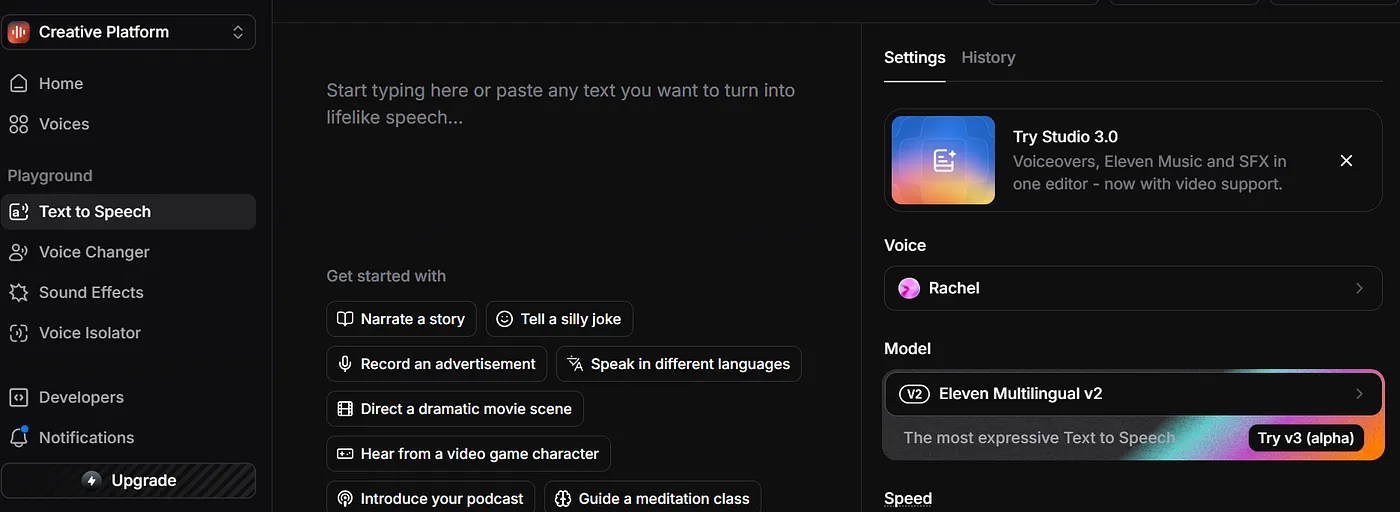
However, voice cloning isn’t always necessary. Many creators simply want a reliable voice for narration, which makes strong voice libraries equally important.
Step 5: Speed and Reliability
Finally, I test how quickly the tool generates audio.
Creators often work on tight deadlines. If a voice generator takes several minutes to produce a short voiceover, or crashes during generation, it becomes frustrating.
So I test each platform with scripts of different lengths and measure how long it takes to generate audio.
The best tools generate voiceovers in seconds.
ElevenLabs and RecCloud are both fast and reliable, even when processing longer scripts.
That kind of speed makes a huge difference when you’re producing multiple videos or podcast episodes every week.
What Makes a Voice Generator Worth Recommending
After running tools through this framework, only a few consistently perform well across all categories.
The tools that usually rise to the top combine three things:
- Natural voice quality
- Reliable performance
- Creator-friendly workflows
Platforms like ElevenLabs, RecCloud, and Murf.ai are good examples. They consistently deliver high-quality audio and offer features that actually help creators produce content faster.
If you want to see which platforms performed best overall, I break down my full comparison of the best AI voice generators where I tested more than 25 tools used by creators today.
Affiliate Disclosure: This article contains affiliate links. If you purchase through them, I may earn a small commission at no extra cost to you.