The Best AI Tools for YouTubers in 2026
Discover the best AI tools for YouTubers in 2026. Learn how I use Topview AI, ElevenLabs, and Fotor to create videos, voiceovers, and thumbnails faster.


Starting a YouTube channel in 2026 is easier than ever.
Growing one? That's a different story.
The biggest challenge isn't coming up with ideas—it's producing high-quality videos consistently.
The scripting, editing, voiceovers, thumbnails, and repurposing into shorts can take up hours, if not days.
Every upload involves dozens of small tasks that quickly become overwhelming.
After testing more than 50 AI tools for content creation over the past year, I've found that only a handful genuinely save time without sacrificing quality.
These are the three I keep coming back to.
1. Topview AI — Best for AI video creation
If I had to recommend one AI tool for YouTube creators, it would be Topview AI.
Instead of spending hours editing videos manually, Topview lets you transform ideas into polished videos much faster.
What I like most is that it supports multiple content formats, making it useful whether you're creating:
- YouTube videos
- Shorts
- Instagram Reels
- TikTok videos
- Product demos
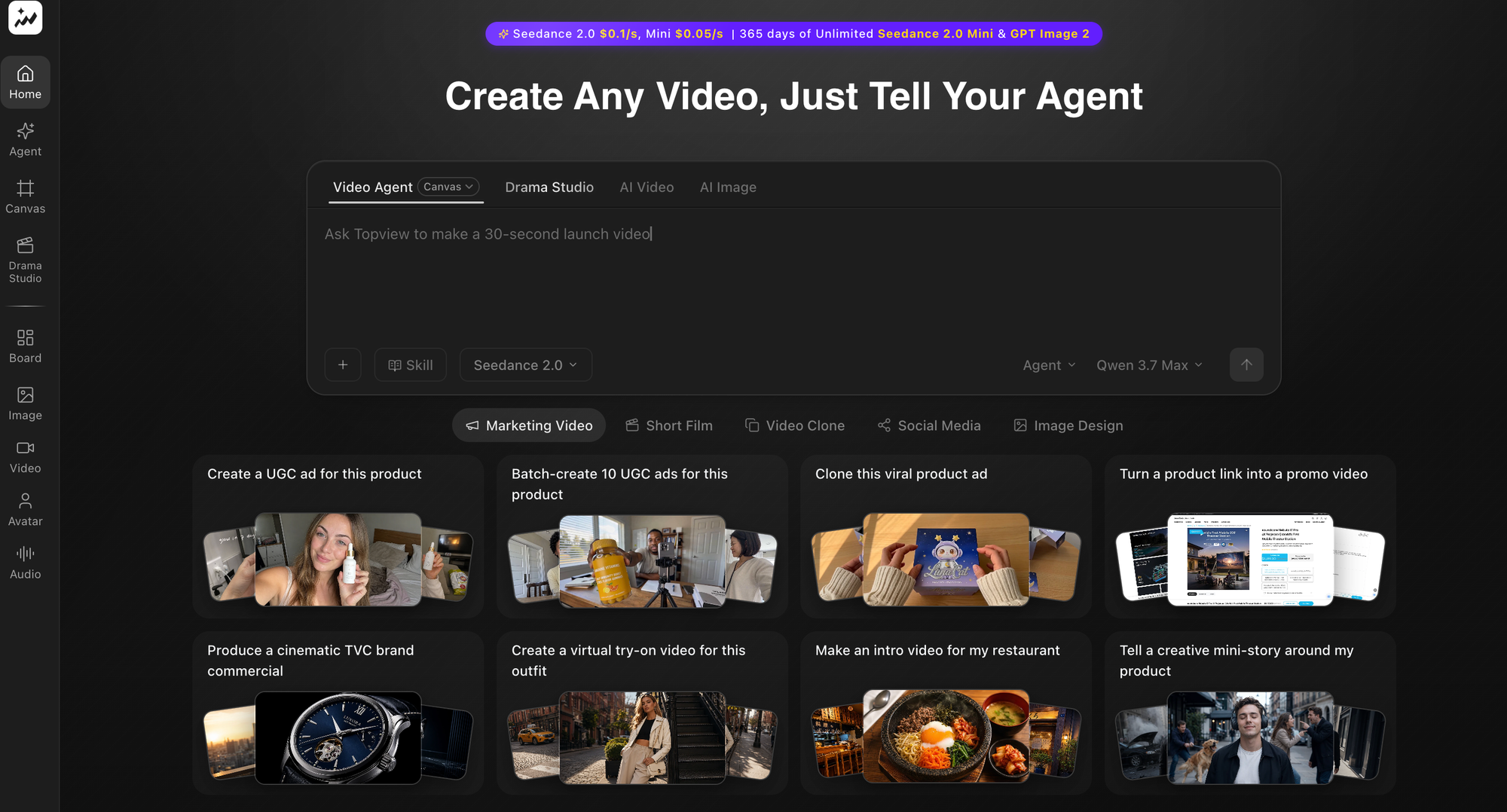
Rather than starting every project from scratch, you can build on an existing script and quickly produce publishable content.
For creators trying to upload consistently, that's a huge advantage.
2. ElevenLabs — Best for AI voiceovers
Not every creator enjoys recording voiceovers.
Sometimes you don't have the right recording environment.
Sometimes you're creating content in multiple languages.
That's where ElevenLabs fits into my workflow.
Its AI voices sound surprisingly natural and work well for:
- narration
- tutorials
- explainers
- faceless YouTube channels
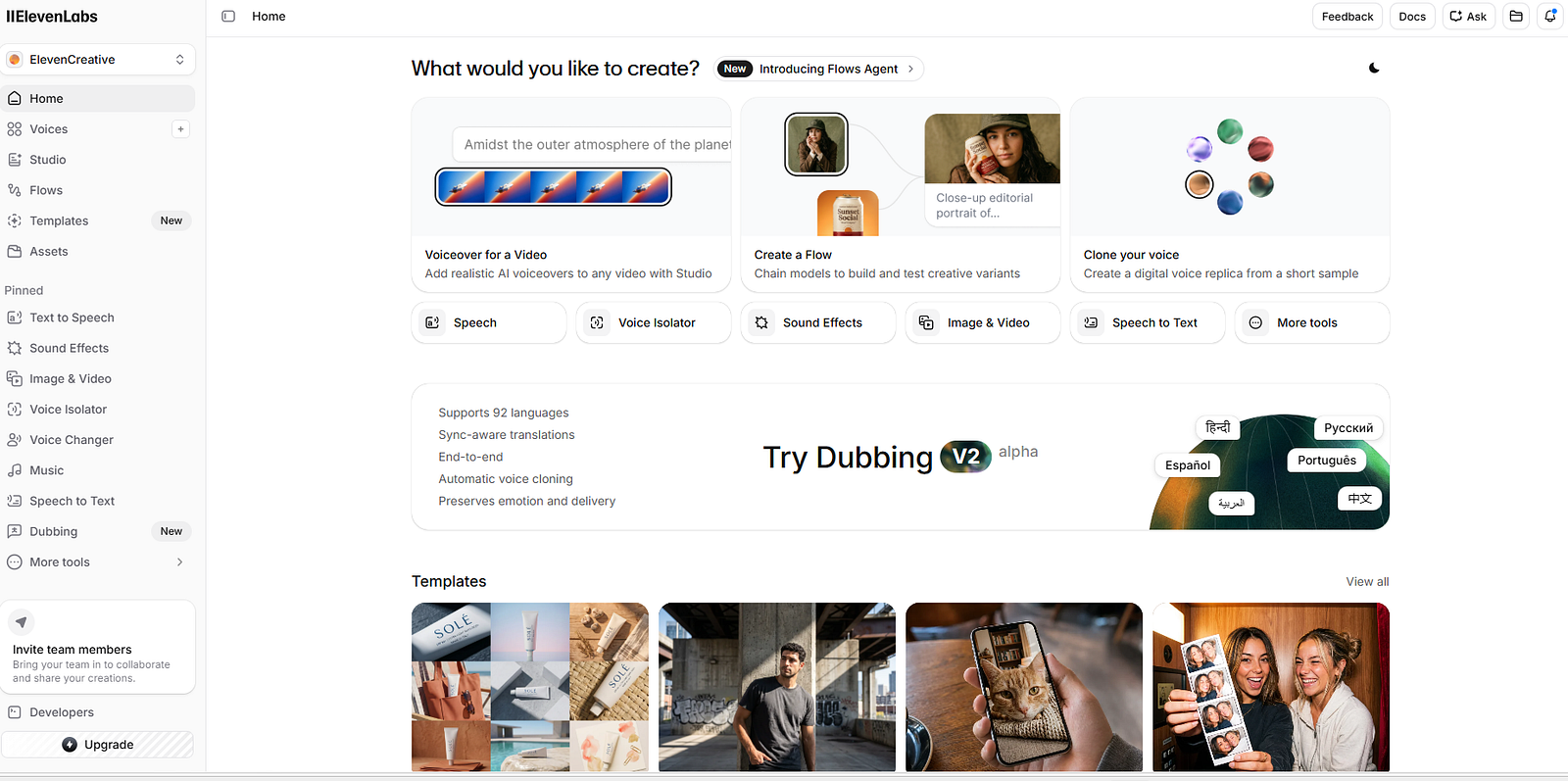
Instead of worrying about microphone quality or background noise, I can focus on the script itself and generate professional-sounding narration in minutes.
It's one of the easiest ways to speed up video production without making the final result feel robotic.
3. Fotor — Best for thumbnails and visual assets
A great video still needs people to click on it.
That's why thumbnails matter.
I use Fotor whenever I need to improve images before publishing.
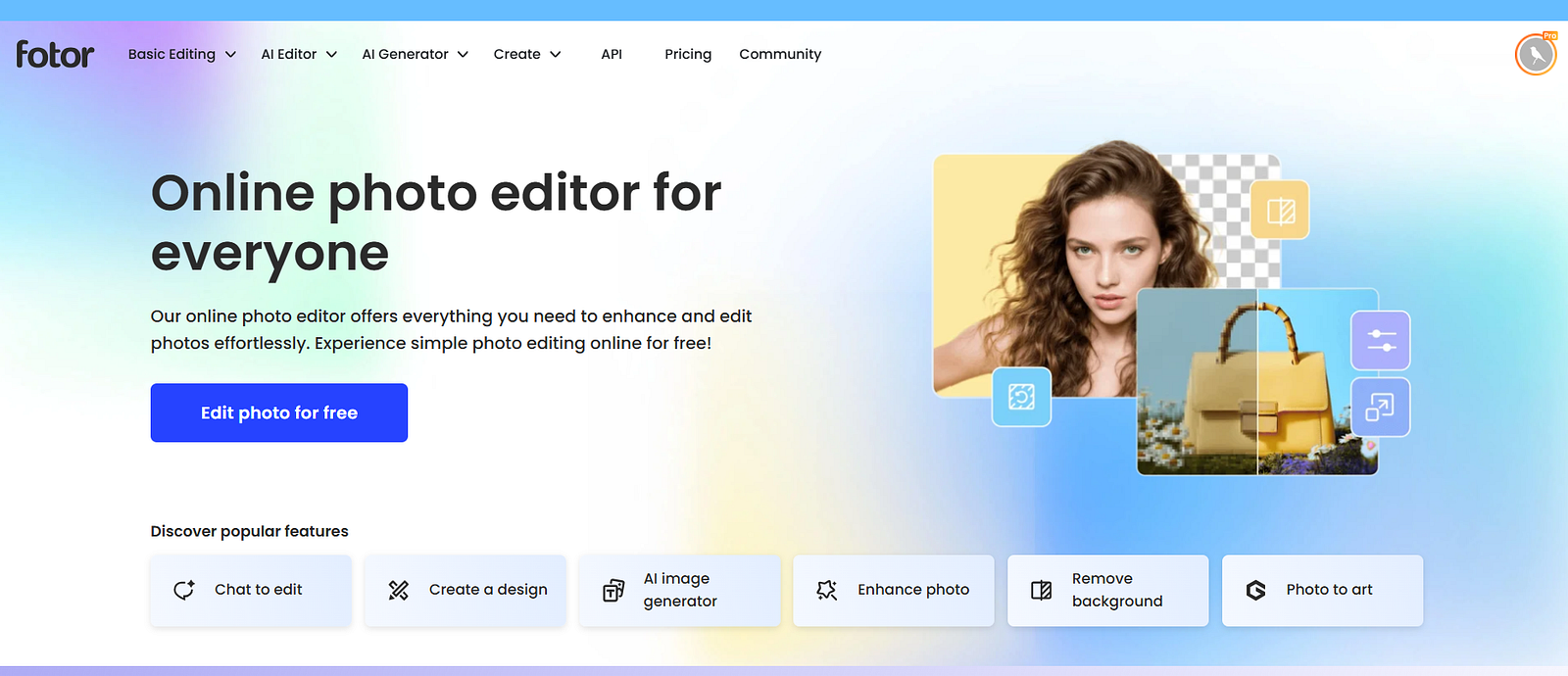
Whether it's:
- sharpening a thumbnail
- enhancing screenshots
- cleaning up visuals
- improving contrast
Fotor helps produce cleaner, more professional-looking images with very little effort.
Small visual improvements can make a surprising difference to click-through rates.
My YouTube workflow
Here's the system I follow for most videos.
Step 1: Research the topic and outline the video.
Step 2: Write the script.
Step 3: Produce the video using Topview AI.
Step 4: Generate narration when needed with ElevenLabs.
Step 5: Create or enhance thumbnails using Fotor.
After that, it's simply a matter of publishing and promoting the video.
Having a repeatable workflow removes much of the friction that causes creators to stop uploading consistently.
Do you need all of these tools?
Not at all.
If you're just starting: Start with one and learn it well.
Then add another tool only when you encounter a real bottleneck.
Buying ten AI subscriptions won't automatically grow your channel.
A simple, repeatable workflow almost always beats a complicated one.
Final thoughts
AI isn't replacing YouTubers. It's removing the repetitive parts of video creation.
That leaves more time for storytelling, creativity, and building an audience.
The creators who succeed in 2026 won't necessarily be the ones using the most AI video tools.
They'll be the ones using the right tools in the right places.
If you'd like to see the complete AI stack I use—not just for YouTube, but for writing, SEO, image creation, and content marketing—I've covered all of it in my full guide to the best AI tools for content creators.
Affiliate disclosure: This article may contain affiliate links. If you purchase through them, I may earn a small commission at no extra cost to you. I only recommend products or services I genuinely believe may be useful.