AI Headshot Generator Not Looking Like Me? Here’s Why (2026 Guide)
AI headshot not looking like you? I tested 25 tools and found why this happens—and how to fix it using BetterPic, HeadshotPro, and Aragon AI.


TL;DR
- Most “doesn’t look like me” issues come from input photos + style mismatch
- Even top tools produce mixed results (60–80% usable)
- BetterPic, HeadshotPro, and Aragon perform well, but only with the right setup
- Fixing your inputs often matters more than switching tools
Why This Happens (Even With the Best Tools)
After testing 25 AI headshot generators, one thing was clear:
The problem isn’t just the AI, it’s the combination of inputs, training, and styling
Here are the real reasons your headshots don’t look like you.
1. Your Input Photos Are Weak (Most Common Issue)
AI models learn your face from the images you upload.
If your photos are:
- Low resolution
- Inconsistent lighting
- Taken from weird angles
The AI has no stable “reference” to learn from
What I saw in testing:
Even strong tools struggled when inputs were poor.
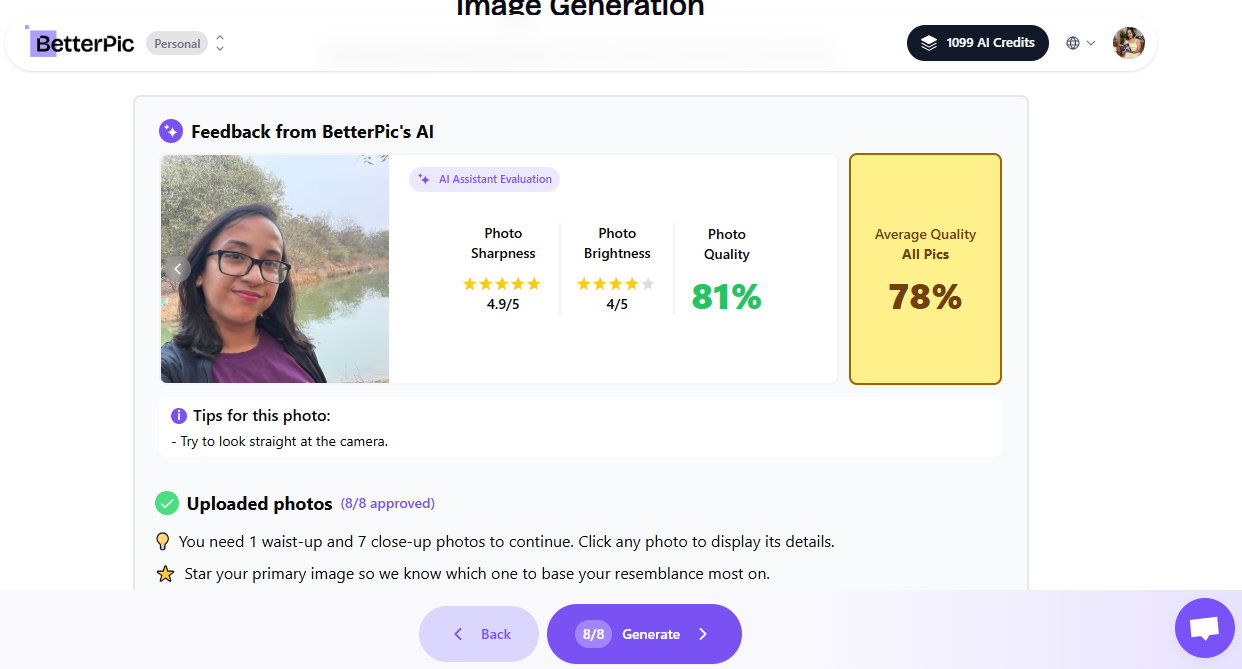
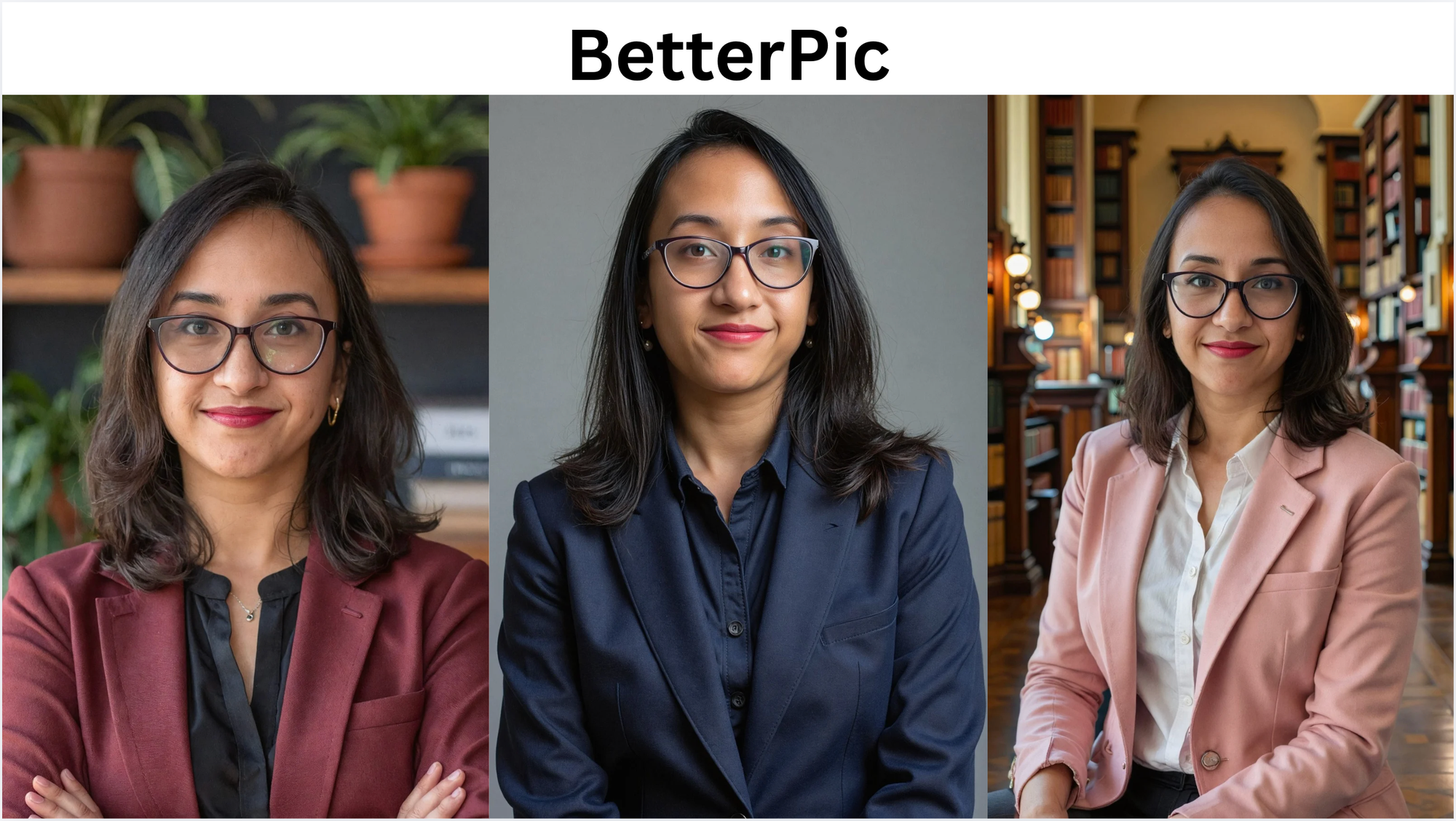
Example: BetterPic
BetterPic gave me:
- 60+ outputs
- ~70% usable images
But the biggest difference came from the quality and consistency of my input photos.
When inputs were strong, the results looked like me.
When they weren’t, a lot of subtle distortions showed up.
Fix:
Upload 10–15 clear photos with consistent lighting and angles
2. Over-Stylization Breaks Facial Accuracy
Many tools try to “enhance” your image. That often means:
- Sharper jawline
- Smoother skin
- Slight facial restructuring
These make you look like a better, but different, version of yourself
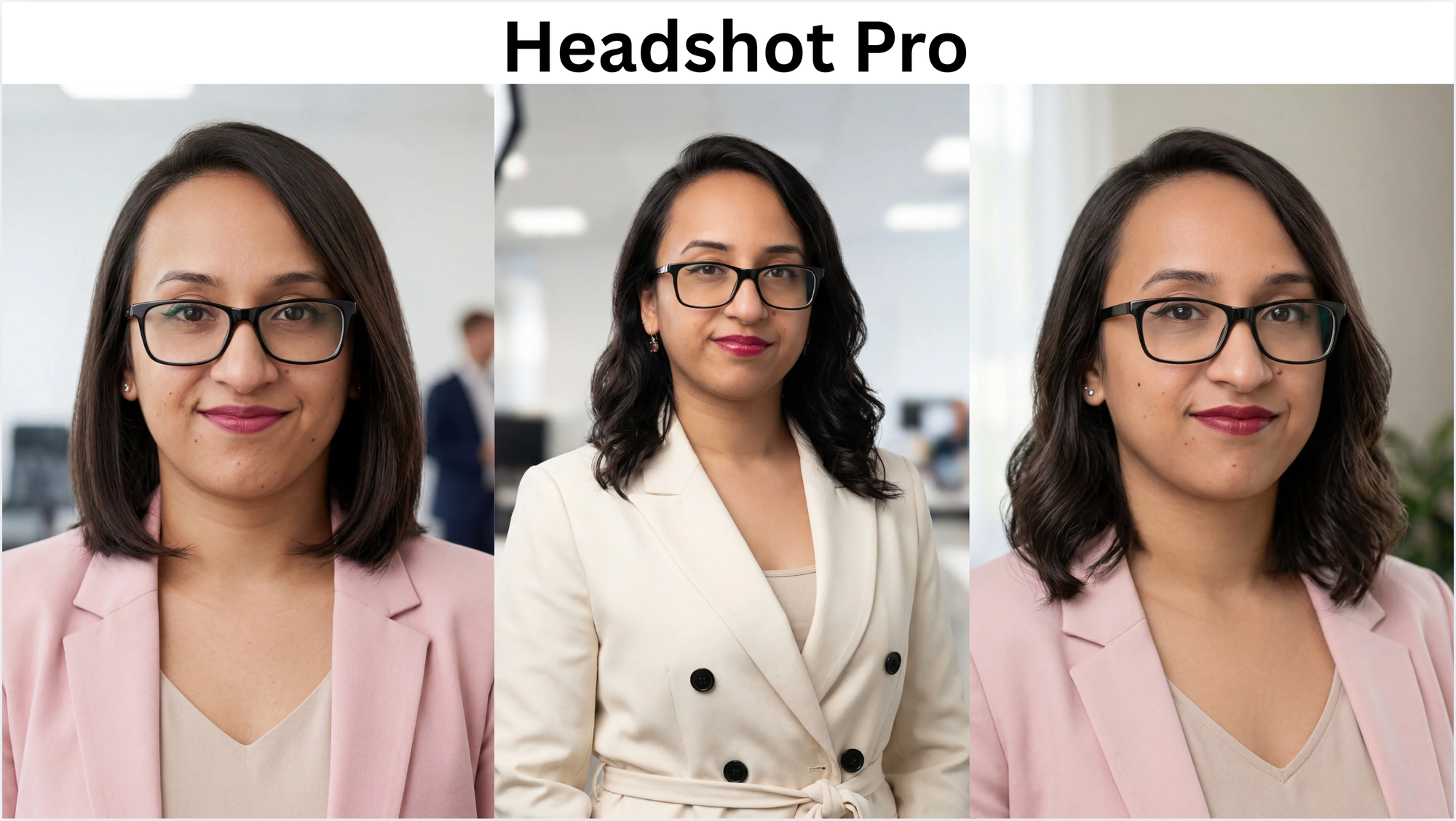
Example: HeadshotPro
HeadshotPro generates:
- A large variety of styles
- Different outfits, lighting, and moods
That’s great for choice, but, not every image looks like you.
Some look perfect, but others feel slightly “off”.
Fix:
Choose simpler, professional styles instead of dramatic ones
3. The Model Optimizes for “Professional,” Not “Accurate”
This is subtle, but important.
AI tools are trained to produce ideal professional faces, not perfect identity preservation
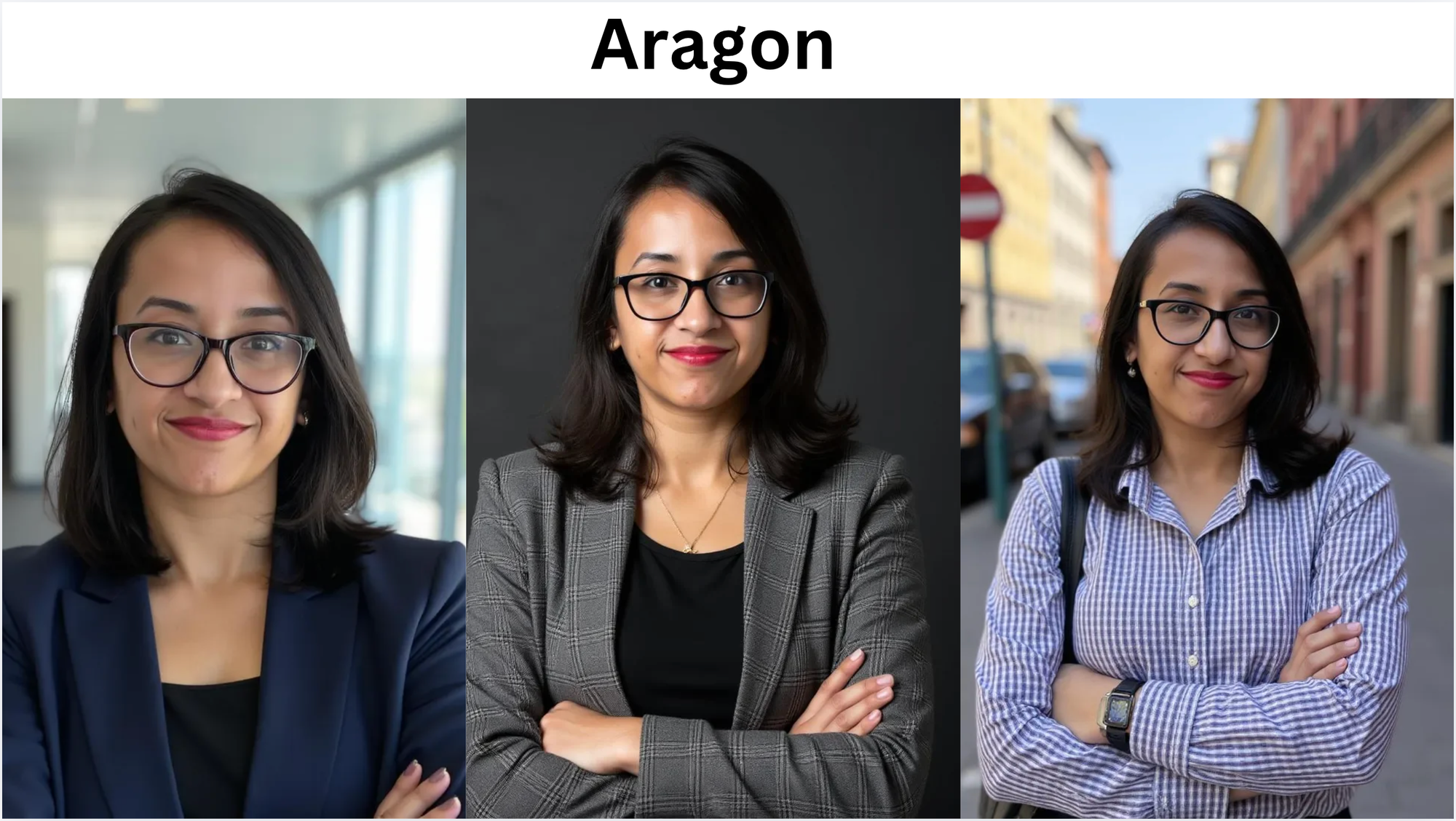
Example: Aragon
Aragon performed extremely well:
- ~84% usable outputs
- Strong lighting + posture
But even then, a few images felt slightly different
Why?
Because the model prioritizes clean, professional aesthetics over capturing the exact facial replication.
Fix:
Pick outputs that balance:
- realism
- accuracy
- professionalism
4. Lighting & Background Change Perception
Even if your face is accurate, different lighting, background, and camera angle can make you feel like a different person.
5. You’re Expecting Perfection (Reality Check)
Here’s the truth from testing: No tool gives 100% perfect results.
Even the best tools like Aragon, HeadshotPro, and BetterPic oroduce a mix of great, good, and unusable images.
How to Fix It (Step-by-Step)
Step 1: Use better input photos
- Natural lighting
- Front-facing
- No filters
Step 2: Upload enough images
Minimum 10–15 photos.
Step 3: Choose realistic styles
- Corporate
- Neutral backgrounds
Step 4: Don’t rely on one output
Always review multiple images.
Step 5: Pick what feels like YOU
Not the “best-looking” one, pick the most accurate one.
Final Verdict
If your AI headshot doesn’t look like you, it’s not just the tool, it’s the setup.
Fix your inputs + expectations, and results improve dramatically.
👉 I tested 9 AI headshot generators in detail and broke down which ones worked best here.