How to Build an AI Content Creation Workflow (Step-by-Step for 2026)
Learn how to build an AI content creation workflow in 2026 using AI writing, editing, and video tools. A simple step-by-step system that saves hours every week.


Creating content in 2026 isn't about finding one perfect AI tool.
It's about building a workflow where each tool handles one part of the process, allowing you to spend less time on repetitive work and more time on ideas.
After testing more than 50 AI tools for content creation over the past year, I've found that most creators don't need dozens of subscriptions. They need a simple system.
Here's the workflow I personally recommend.
Step 1: Start with research and planning
Every great piece of content starts with a clear topic.
Before writing anything, spend time understanding:
- What people are searching for
- What questions they ask
- What already ranks
- What unique angle you can add
Once you have your topic, it's time to create the first draft.
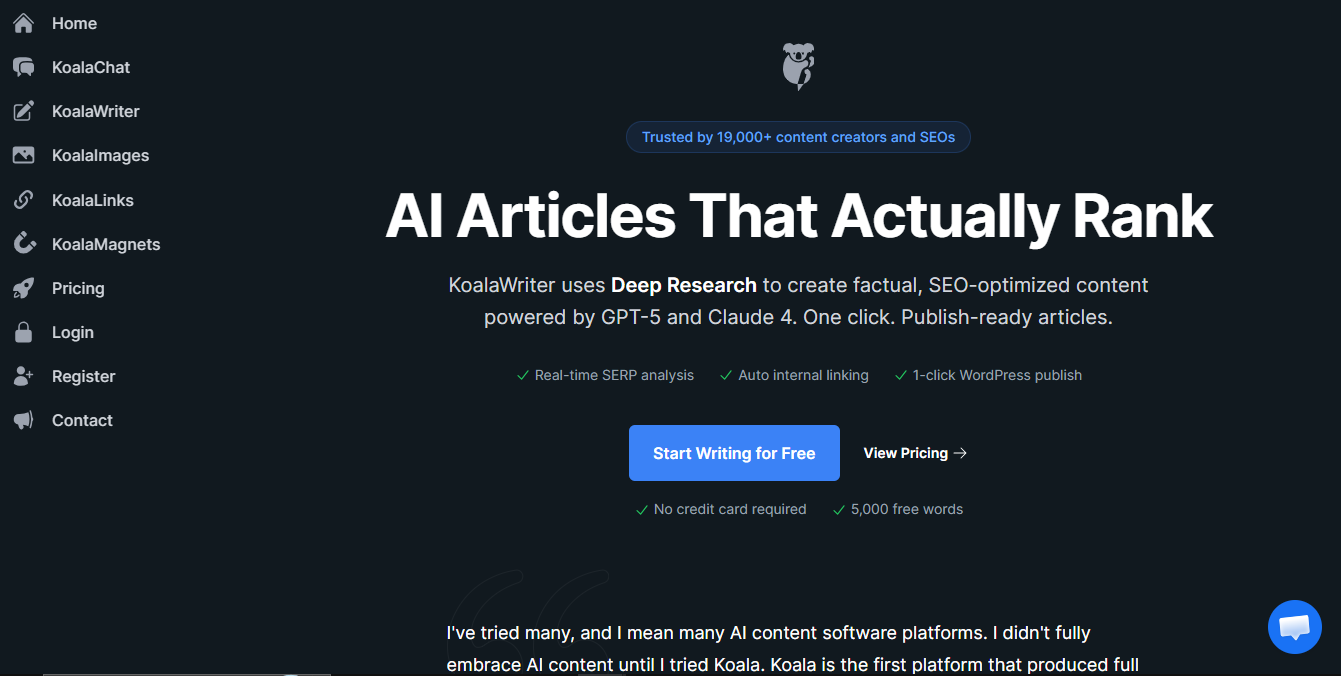
Step 2: Generate the first draft with Koala AI
Writing a blank page is usually the hardest part.
This is where I use Koala AI.
Instead of simply asking AI to "write an article," Koala lets you:
- Build an outline first
- Adjust headings
- Optimize around keywords
- Generate long-form content
- Publish directly to your CMS
The outline-first workflow is what saves me the most time.
Rather than rewriting a messy draft later, I can improve the structure before the article is even written.
The result is a draft that's much closer to publish-ready.
Step 3: Make the writing sound human
Even good AI drafts still sound like AI.
They often contain:
- repetitive sentence patterns
- predictable transitions
- unnatural phrasing
- robotic rhythm
That's why I never publish the first draft without running it through an AI humanizer first.
For the next step, I run important sections through GPTHuman.
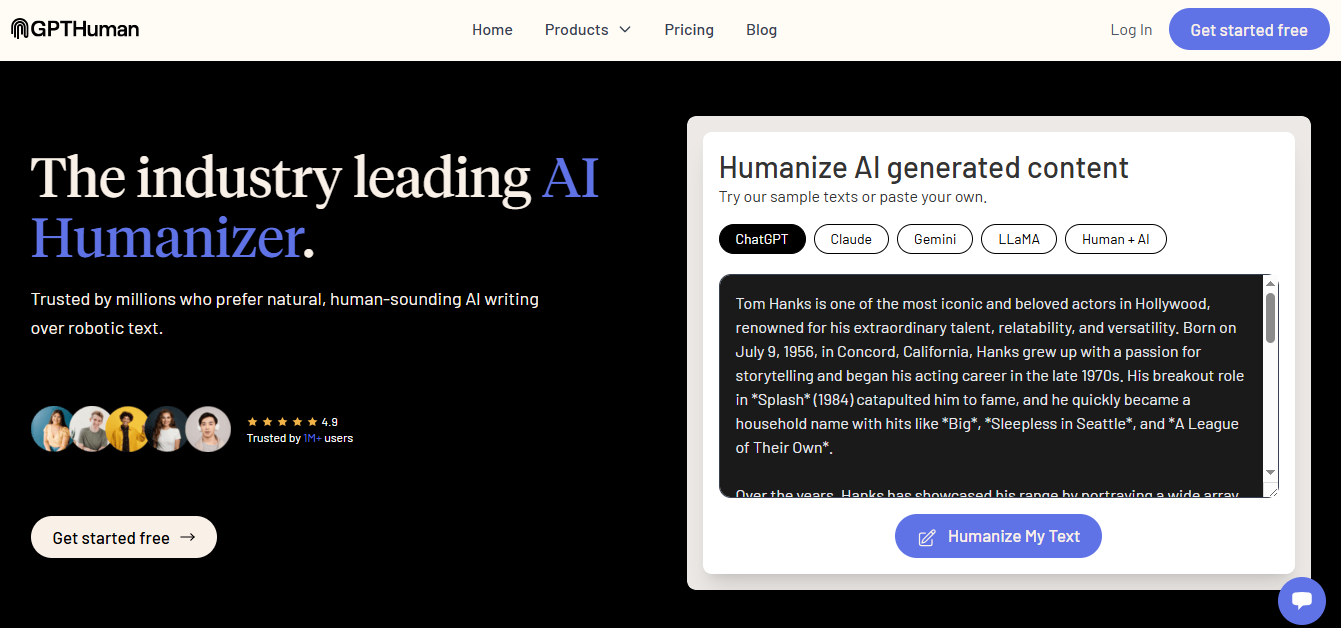
Rather than completely rewriting the article, I use it as a polishing layer.
It helps improve readability while keeping the original meaning intact.
I still edit everything manually afterwards, but starting from a more natural draft dramatically reduces editing time.
Think of it as working with an editor instead of replacing yourself.
Step 4: Add visuals
Every article performs better with strong visuals.
Screenshots, illustrations, feature images, and comparison graphics.
Visuals increase engagement and make longer articles much easier to read.
Step 5: Turn one article into multiple videos
This is where many creators stop.
I don't.
Once an article is finished, I repurpose it into videos.
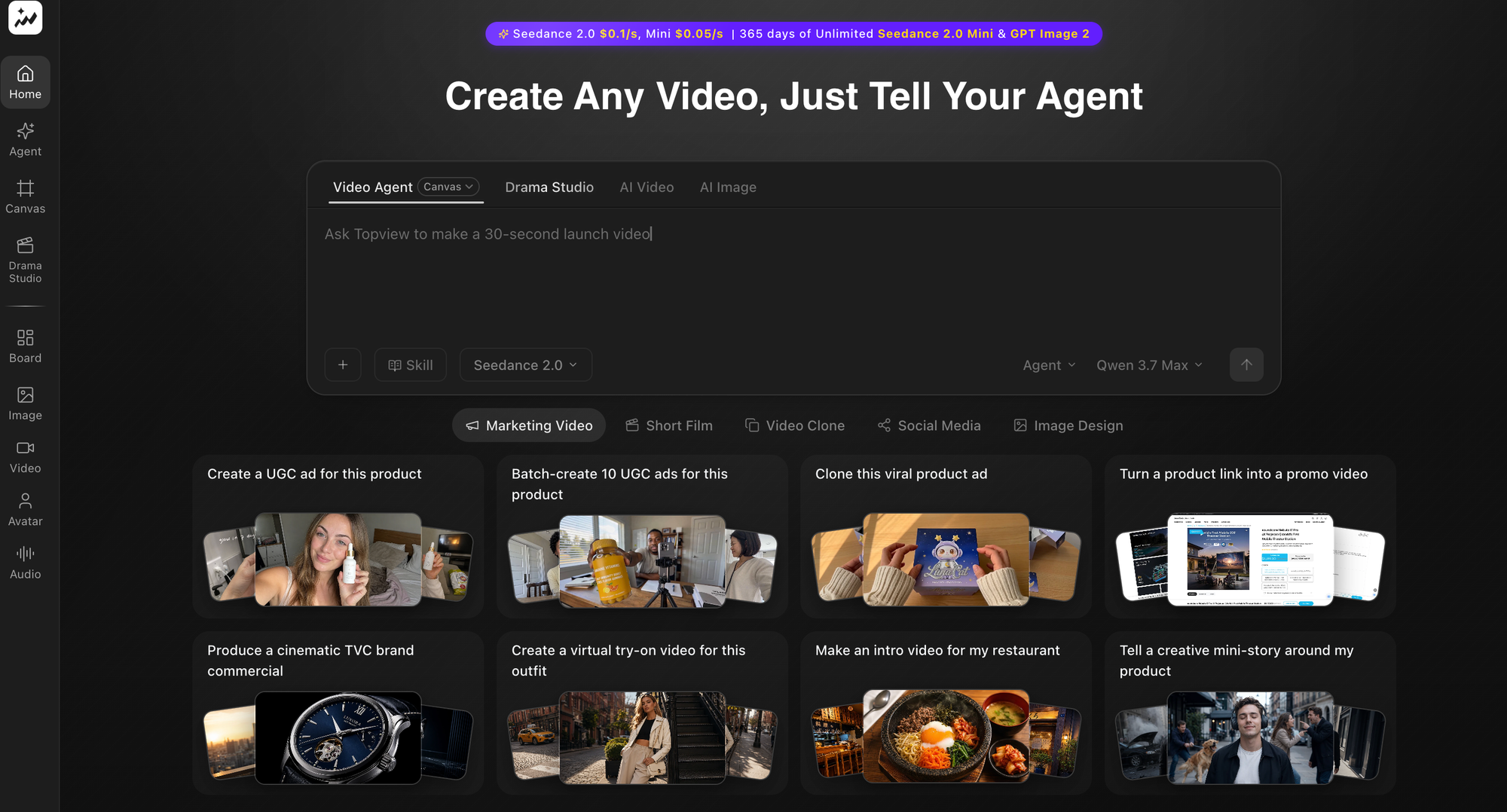
Instead of creating everything from scratch again, I use Topview AI to transform the content into:
- YouTube videos
- Shorts
- Instagram Reels
- TikTok videos
- Product explainers
Repurposing allows one piece of research to generate content across multiple platforms.
Instead of creating ten separate pieces of content, you create one strong article and let it become ten assets.
My complete workflow
My content creation process now looks like this:
Research → Outline → Draft → Humanize → Add visuals → Repurpose into video → Publish
Simple, repeatable, and fast.
Every tool has one specific job instead of trying to do everything.
Why this workflow works
The biggest mistake creators make is trying to automate everything.
The best workflow still keeps humans in control. AI handles repetitive work. You handle:
- strategy
- storytelling
- personal experience
- editing
- creativity
That's the combination that consistently produces high-quality content.
Final thoughts
You don't need twenty AI subscriptions. You need a workflow.
Start with one writing tool. Add one editing tool. Add one repurposing tool.
Master the system before adding more software.
That's ultimately what makes AI a productivity multiplier instead of another distraction.
Affiliate disclosure: This article may contain affiliate links. If you purchase through them, I may earn a small commission at no extra cost to you. I only recommend products or services I genuinely believe may be useful.